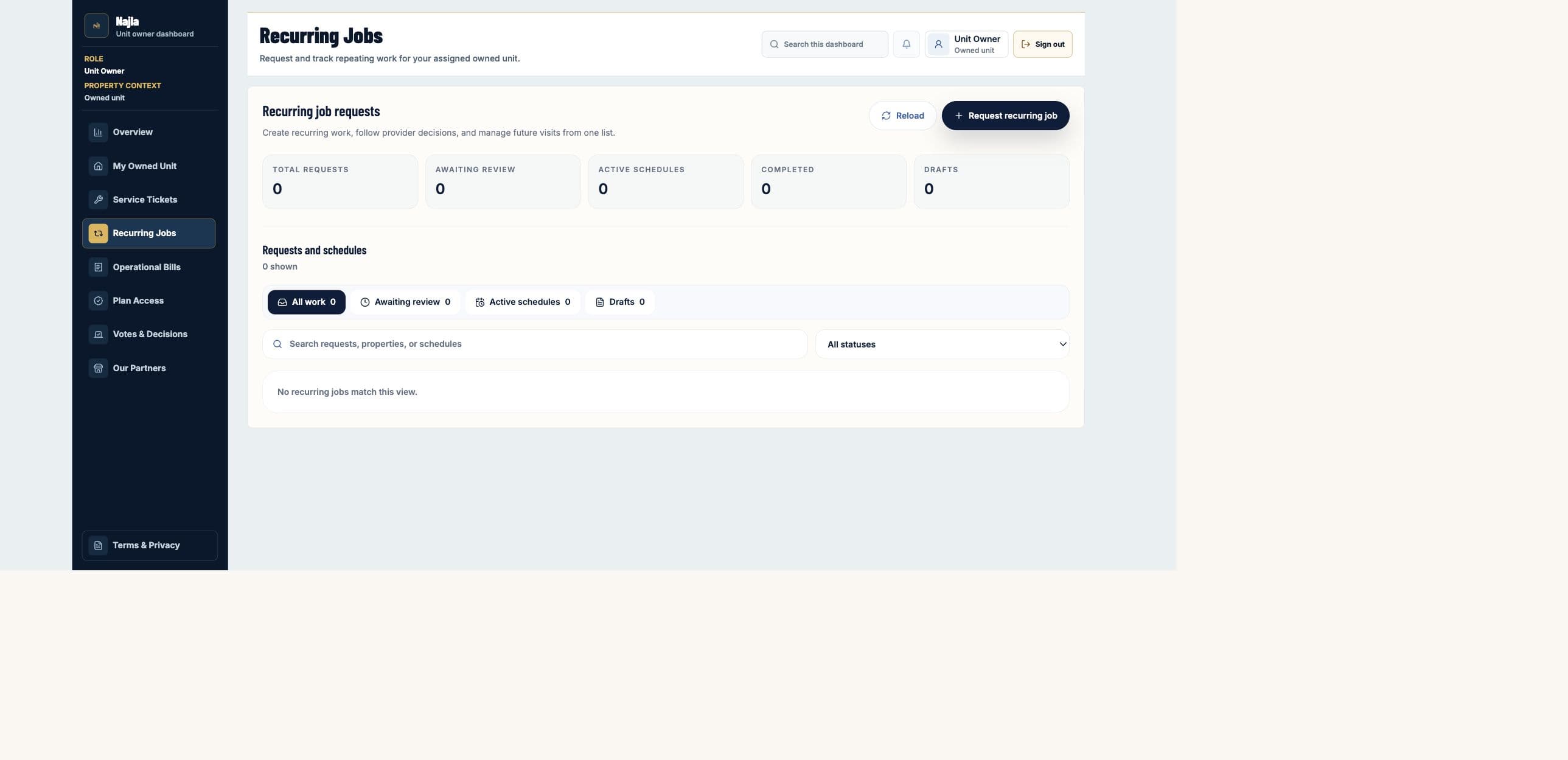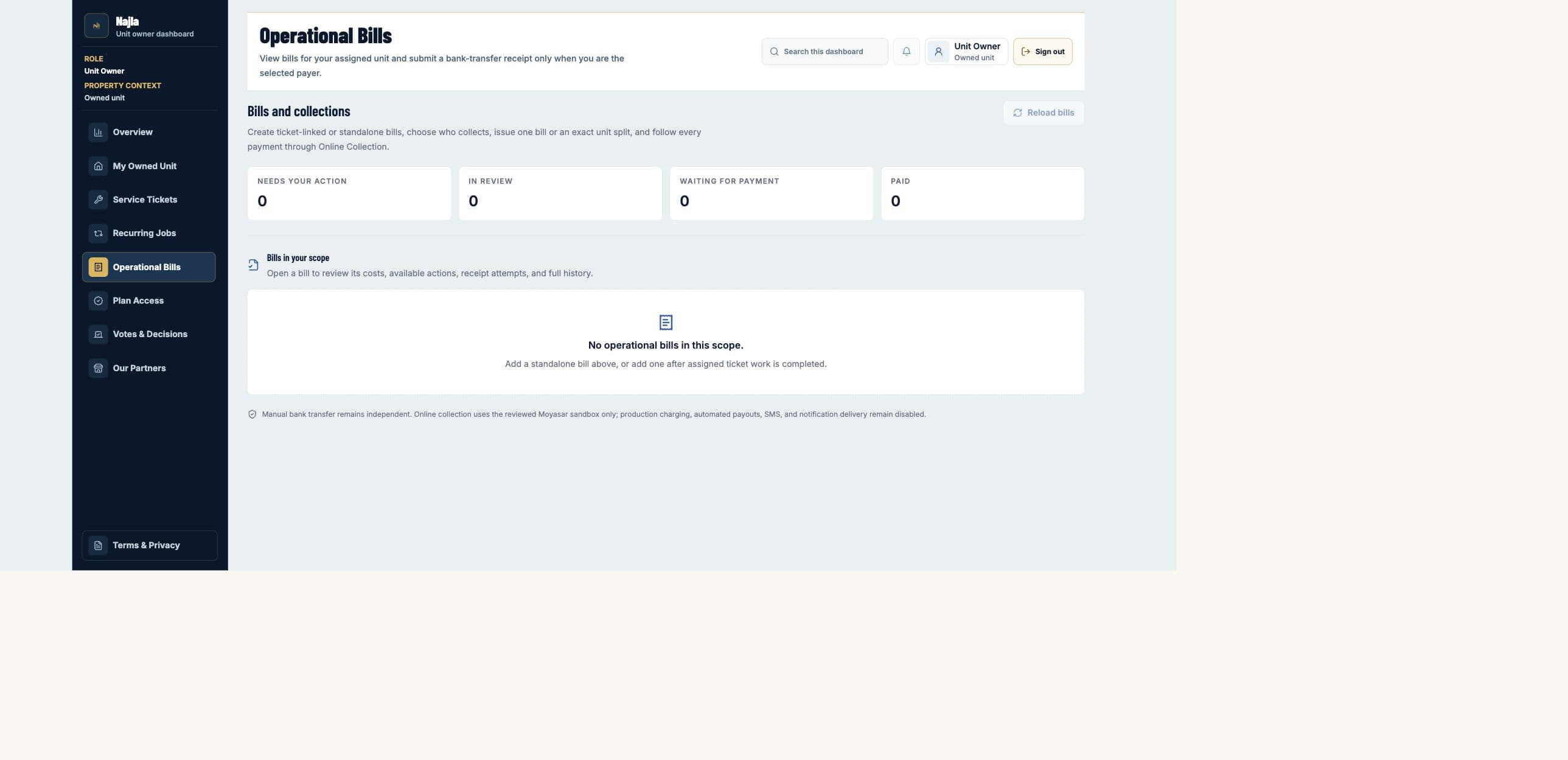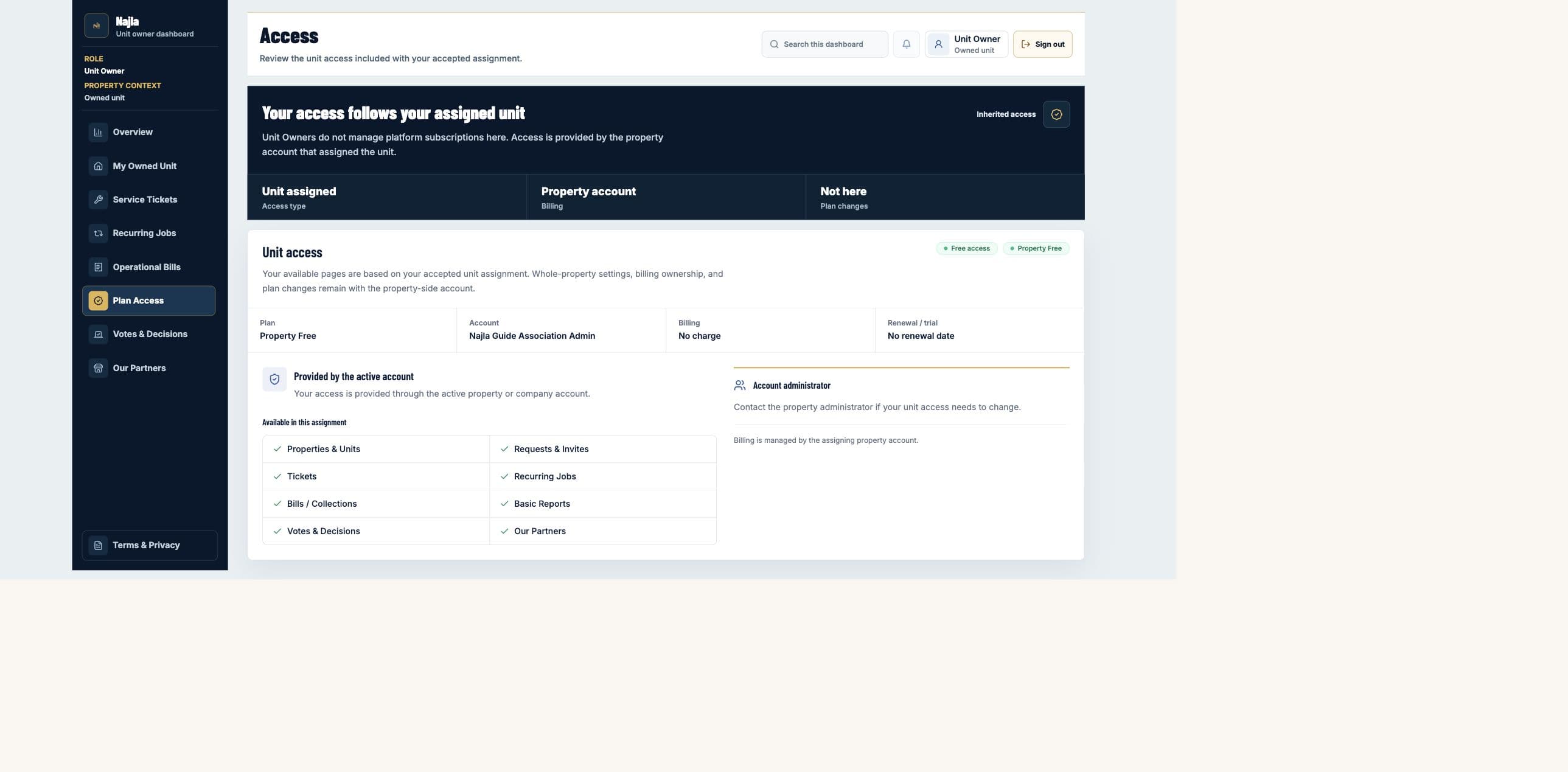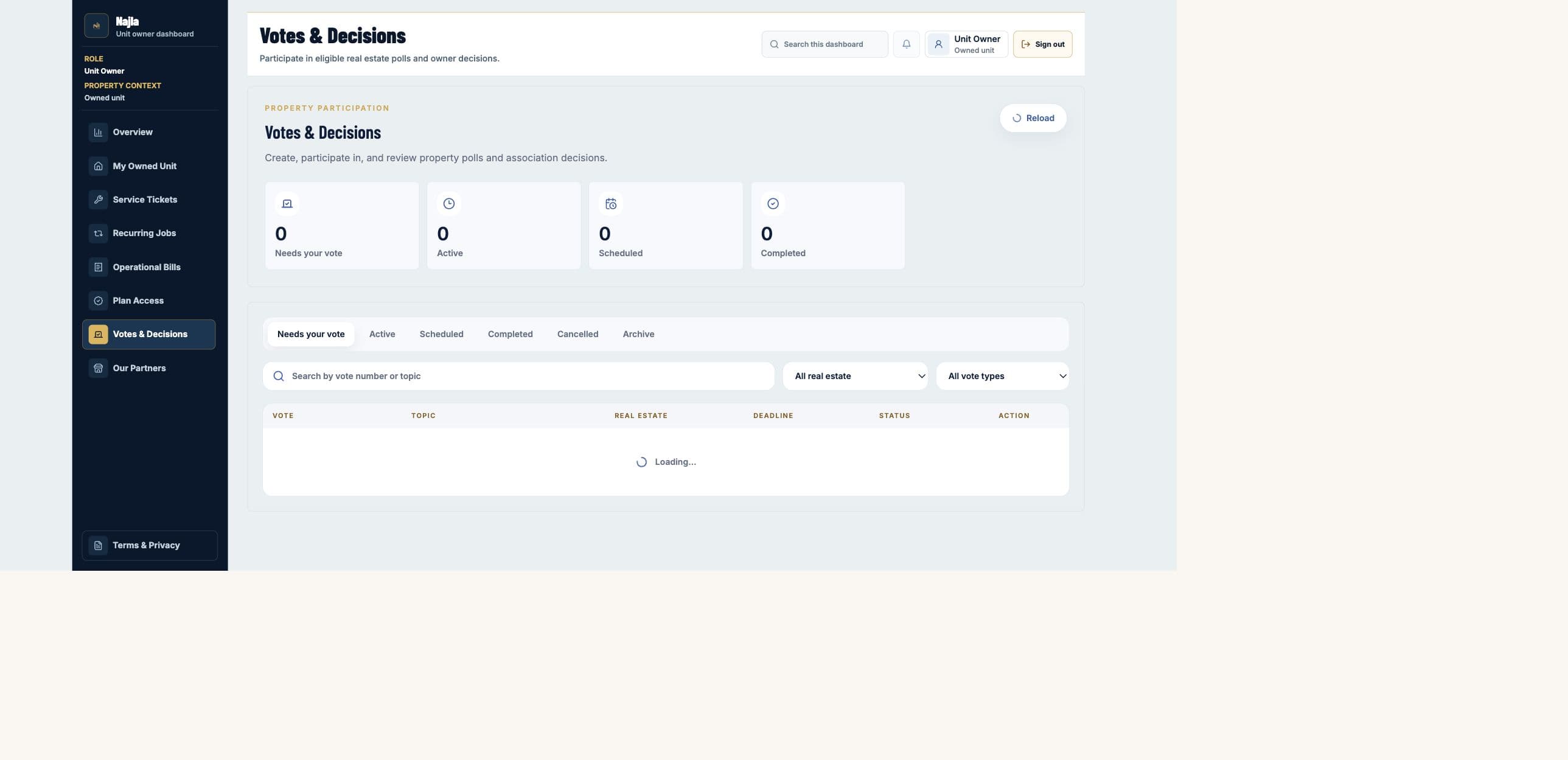

01
Owners Association President
Overview
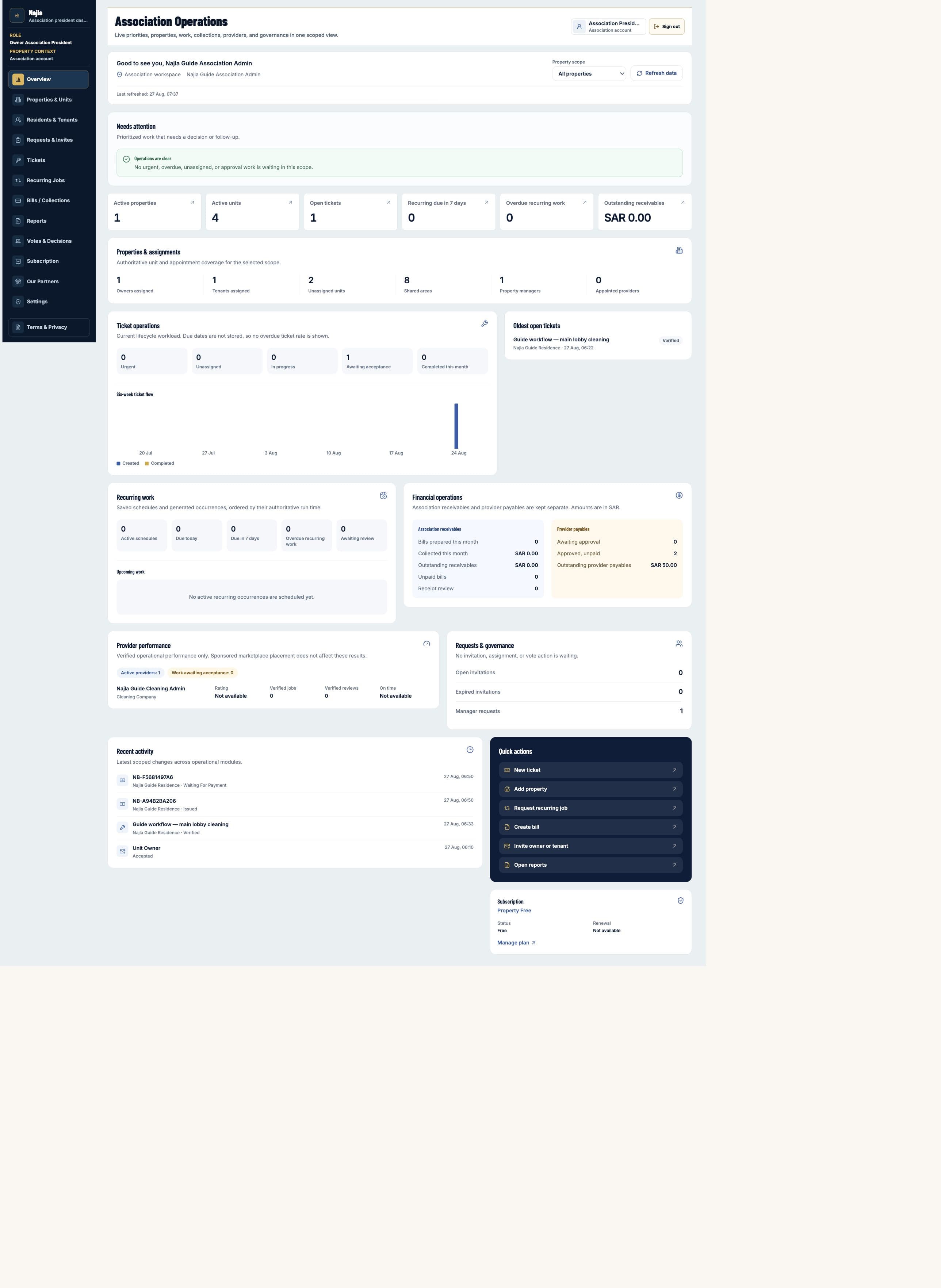
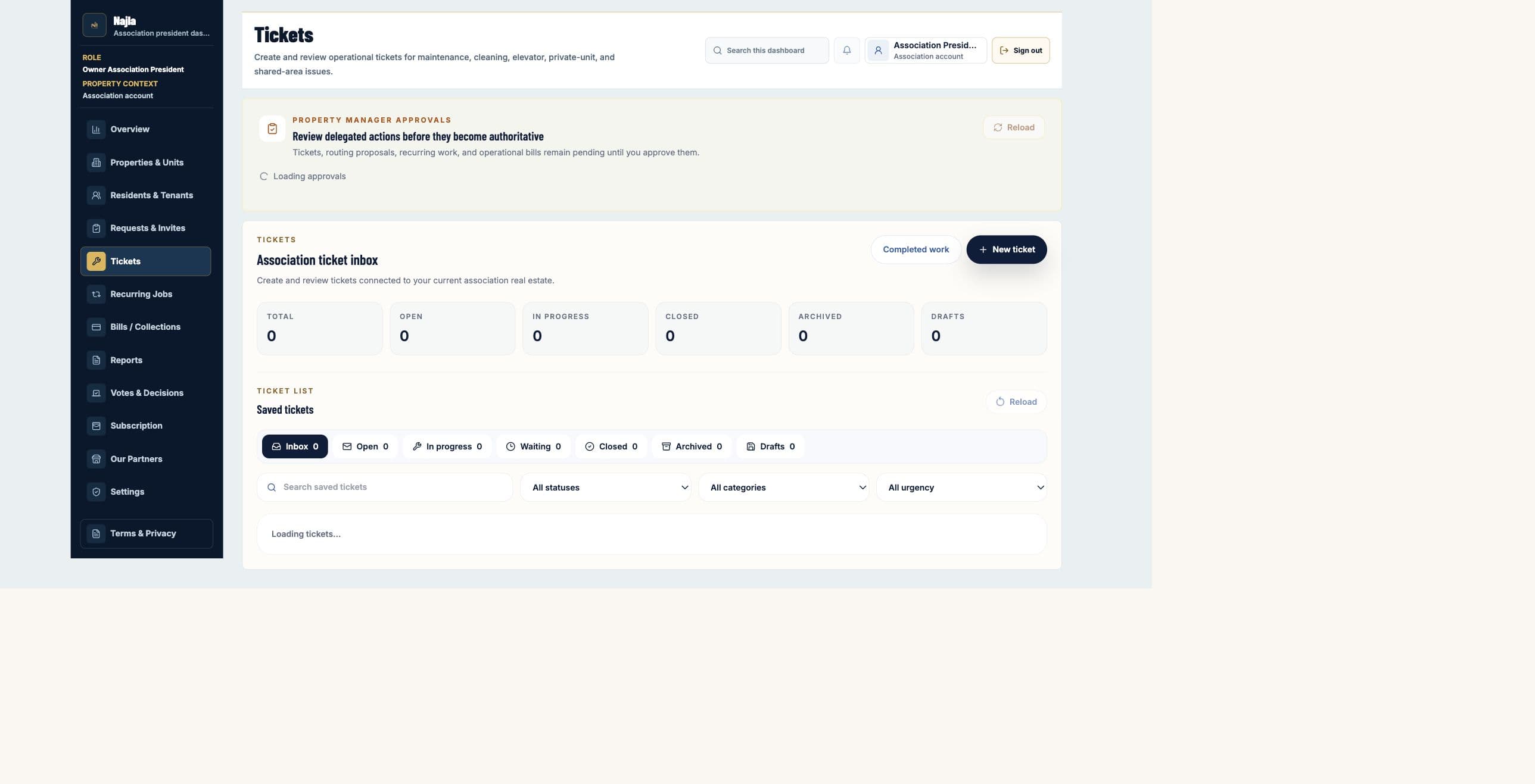
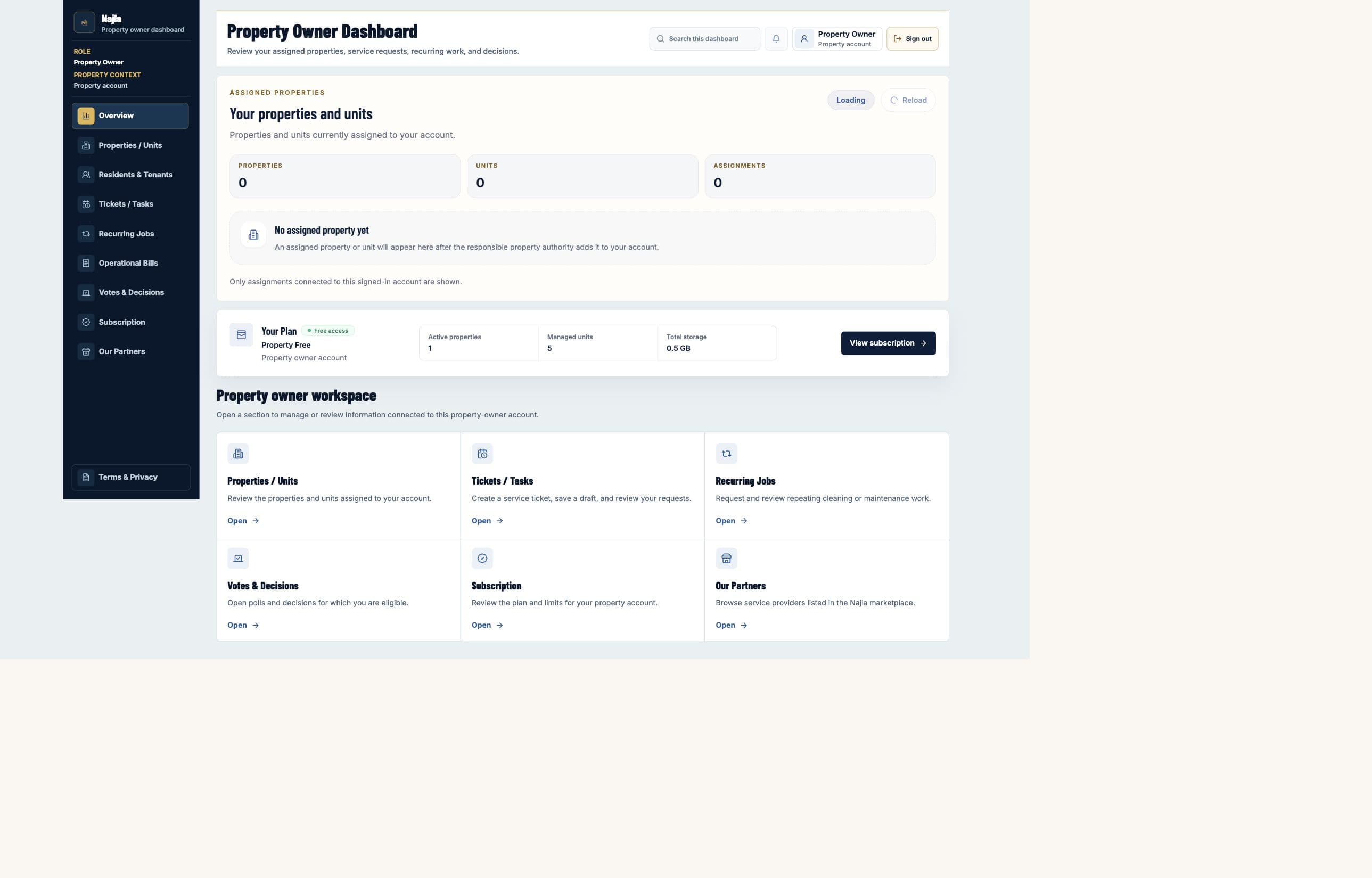
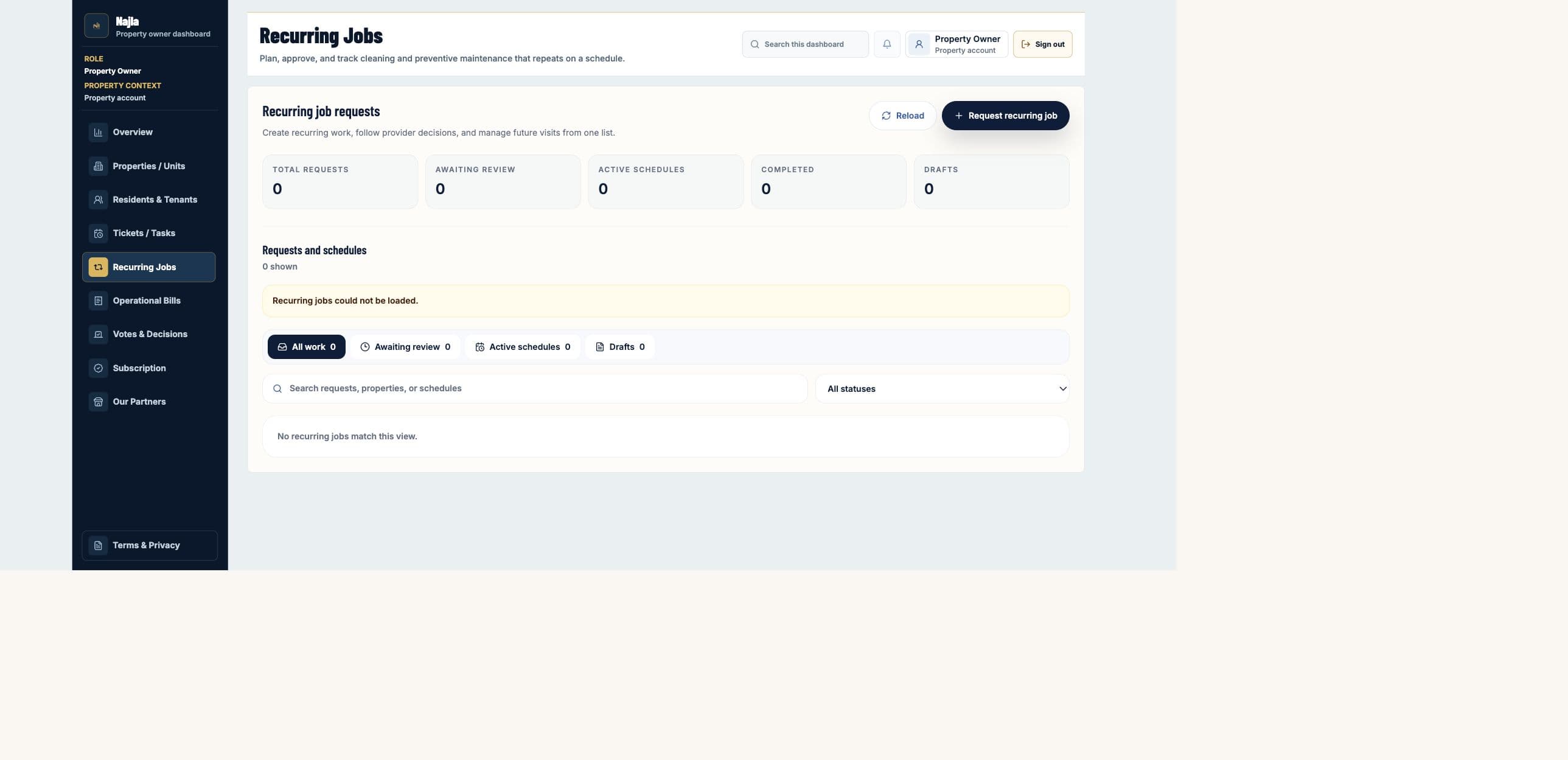
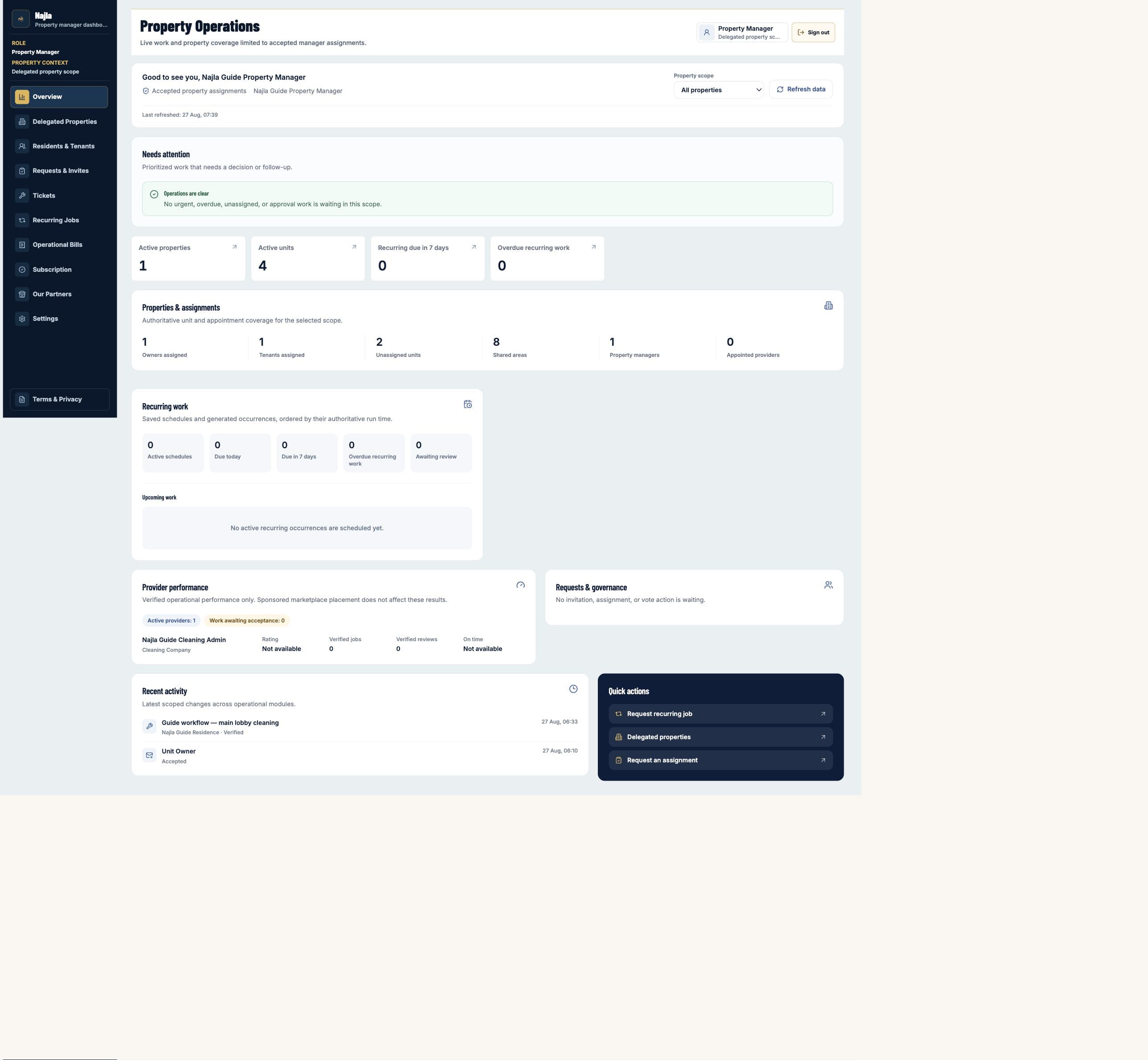
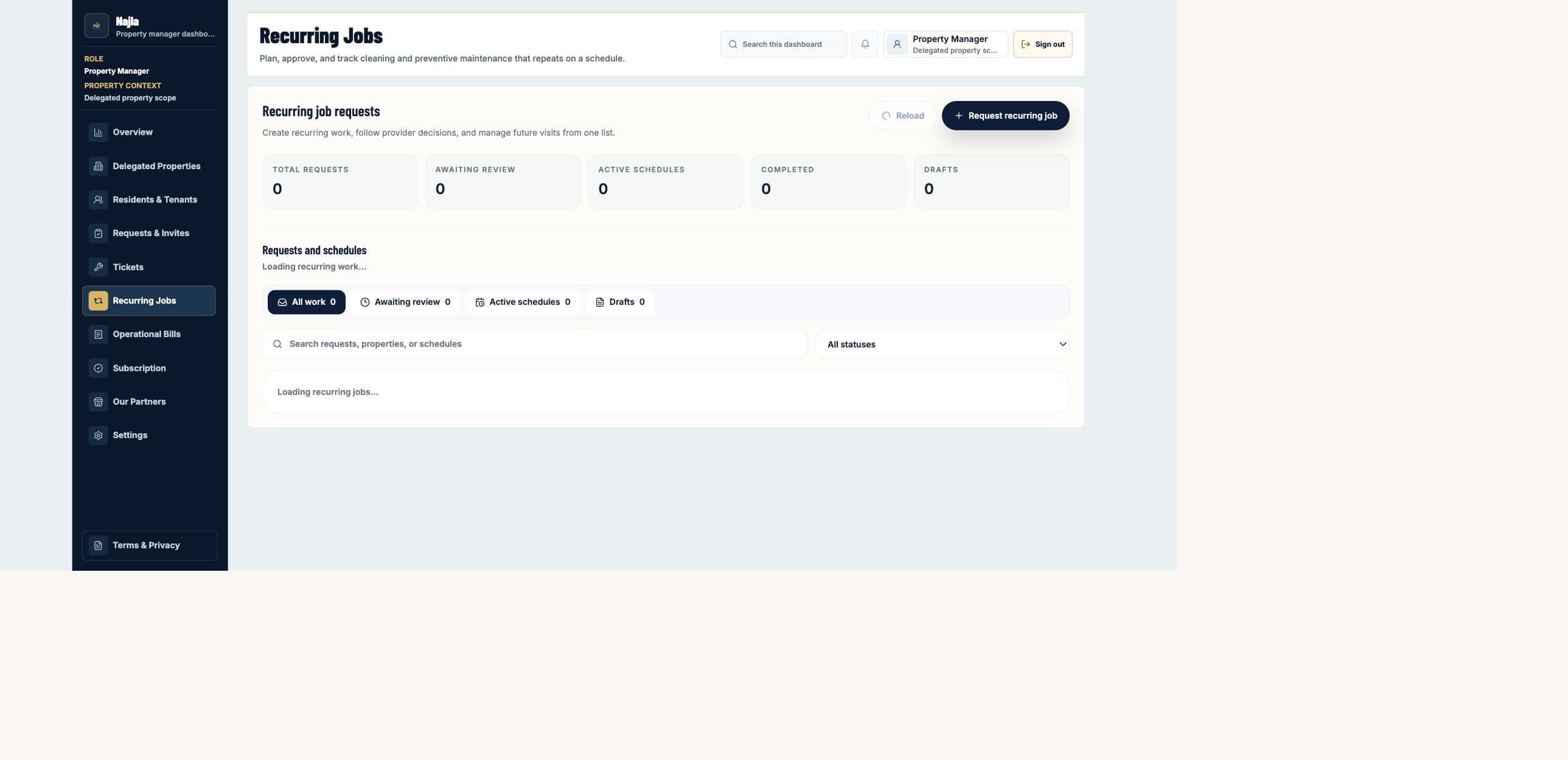
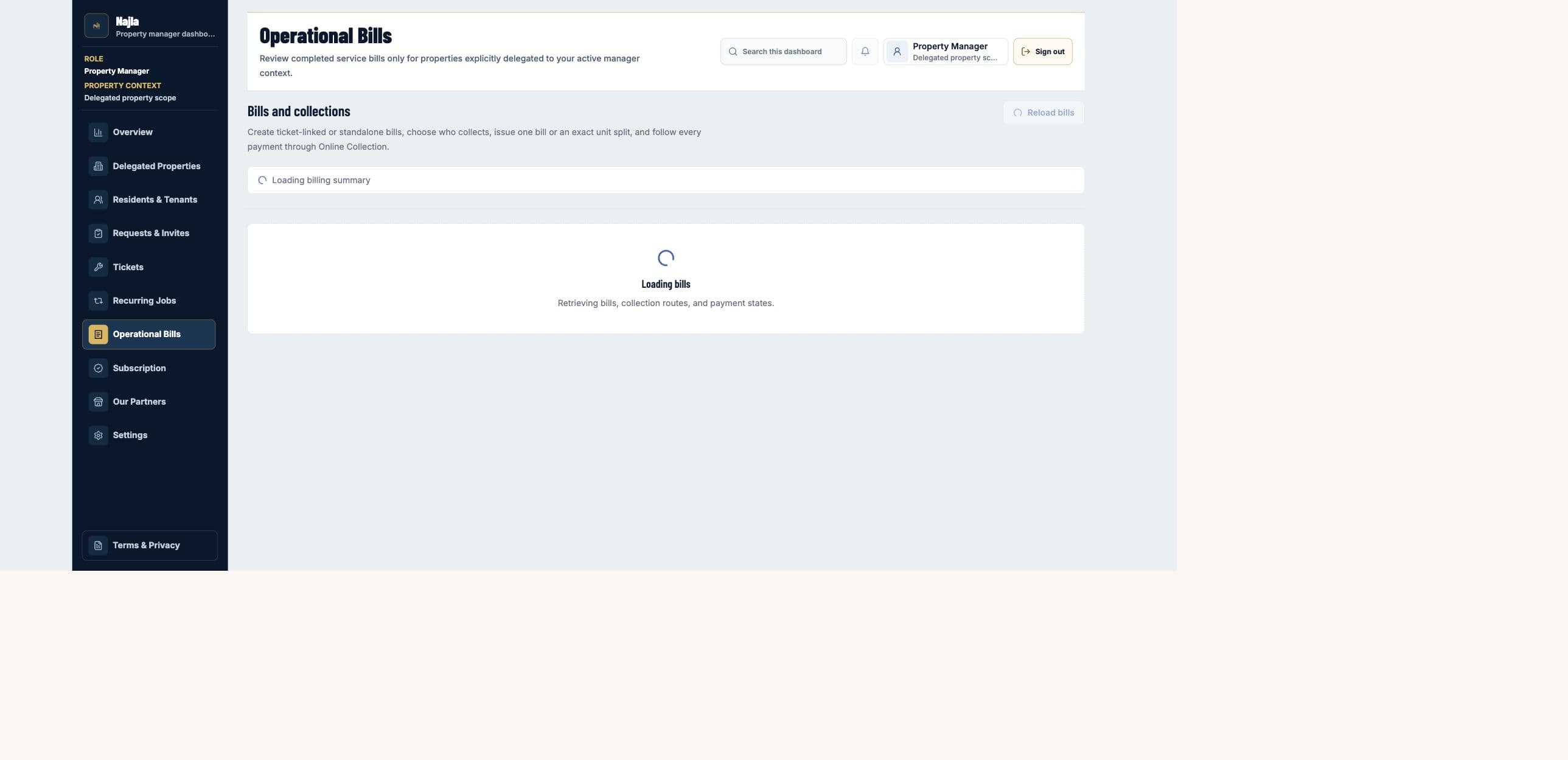
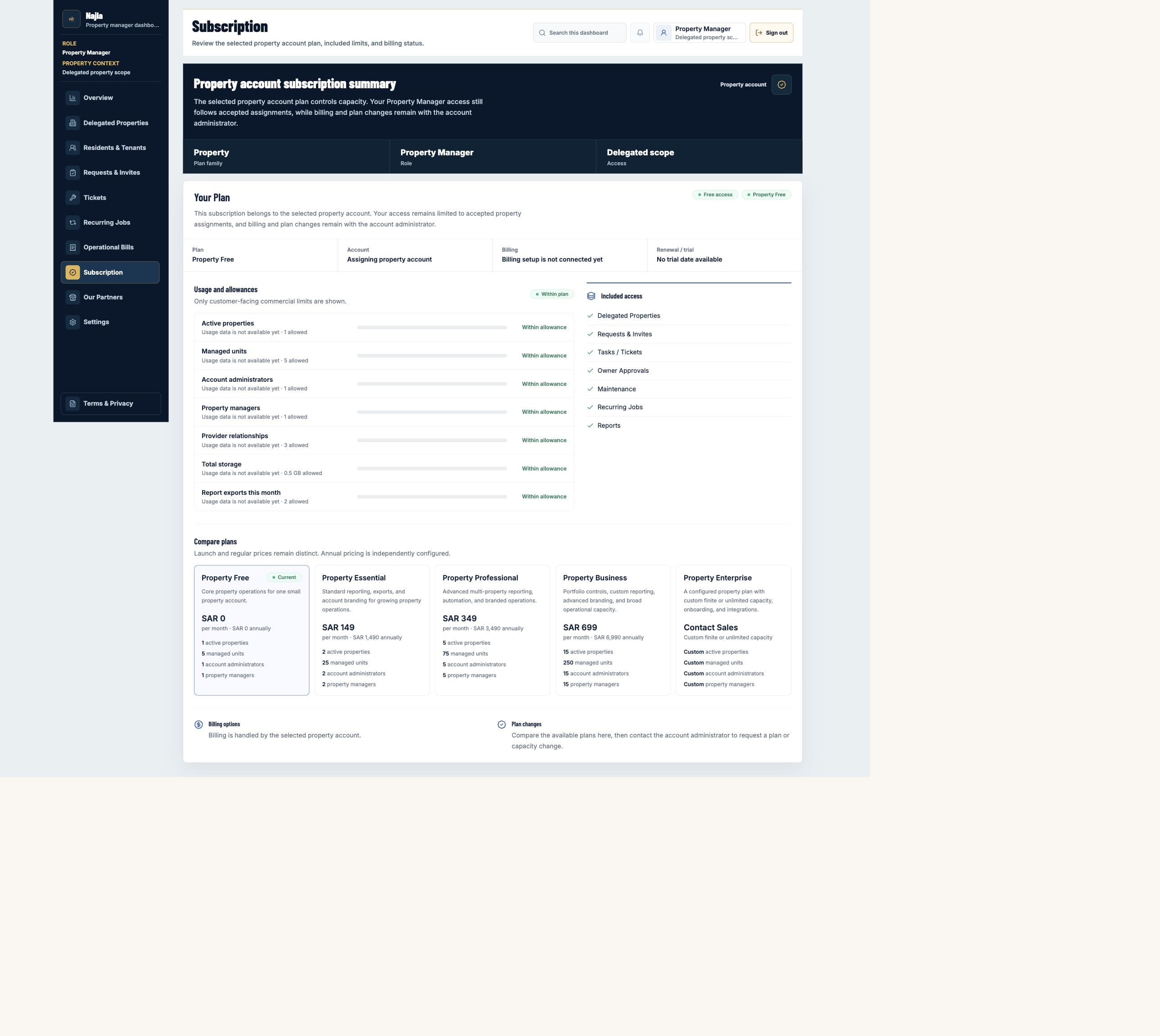
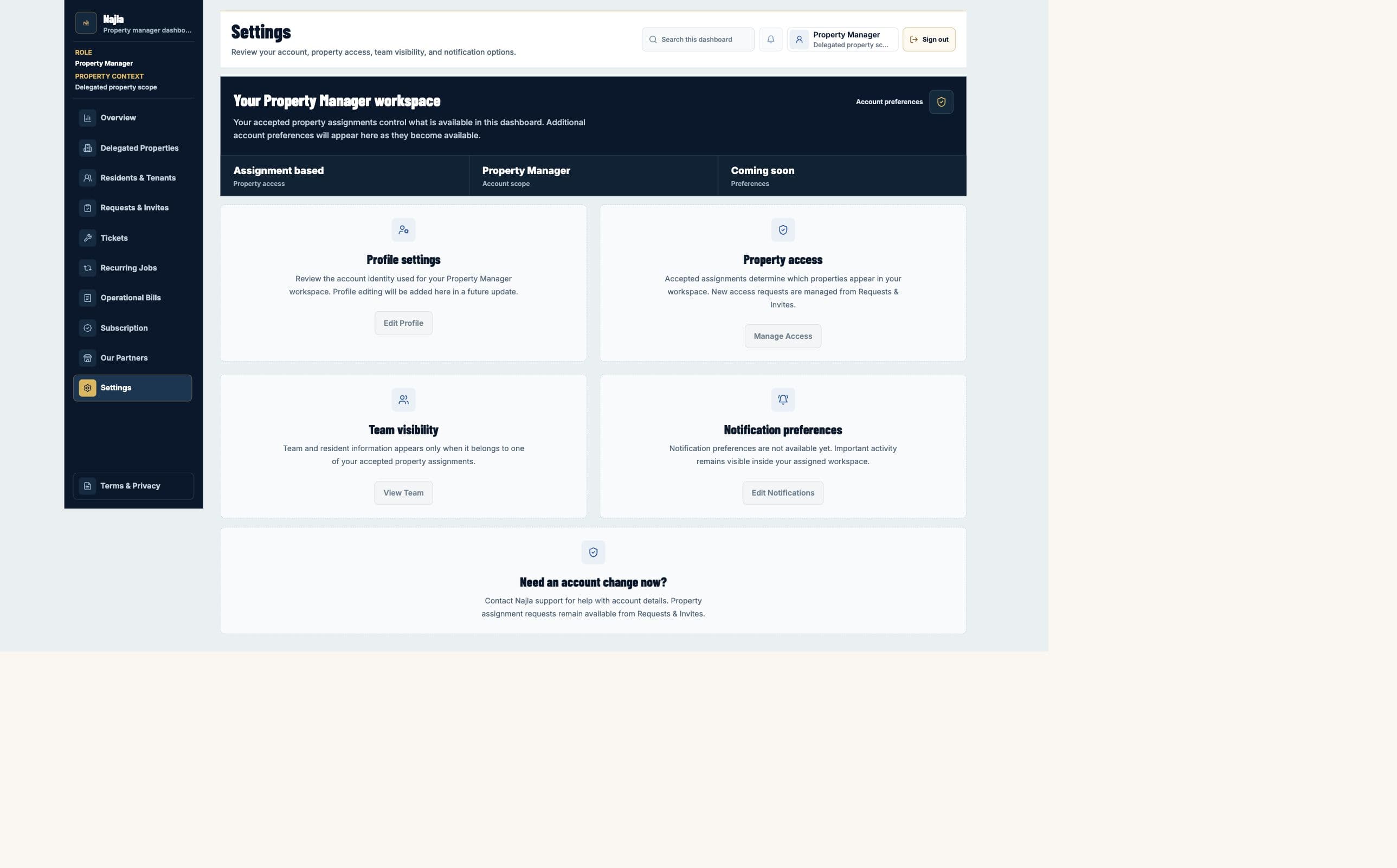
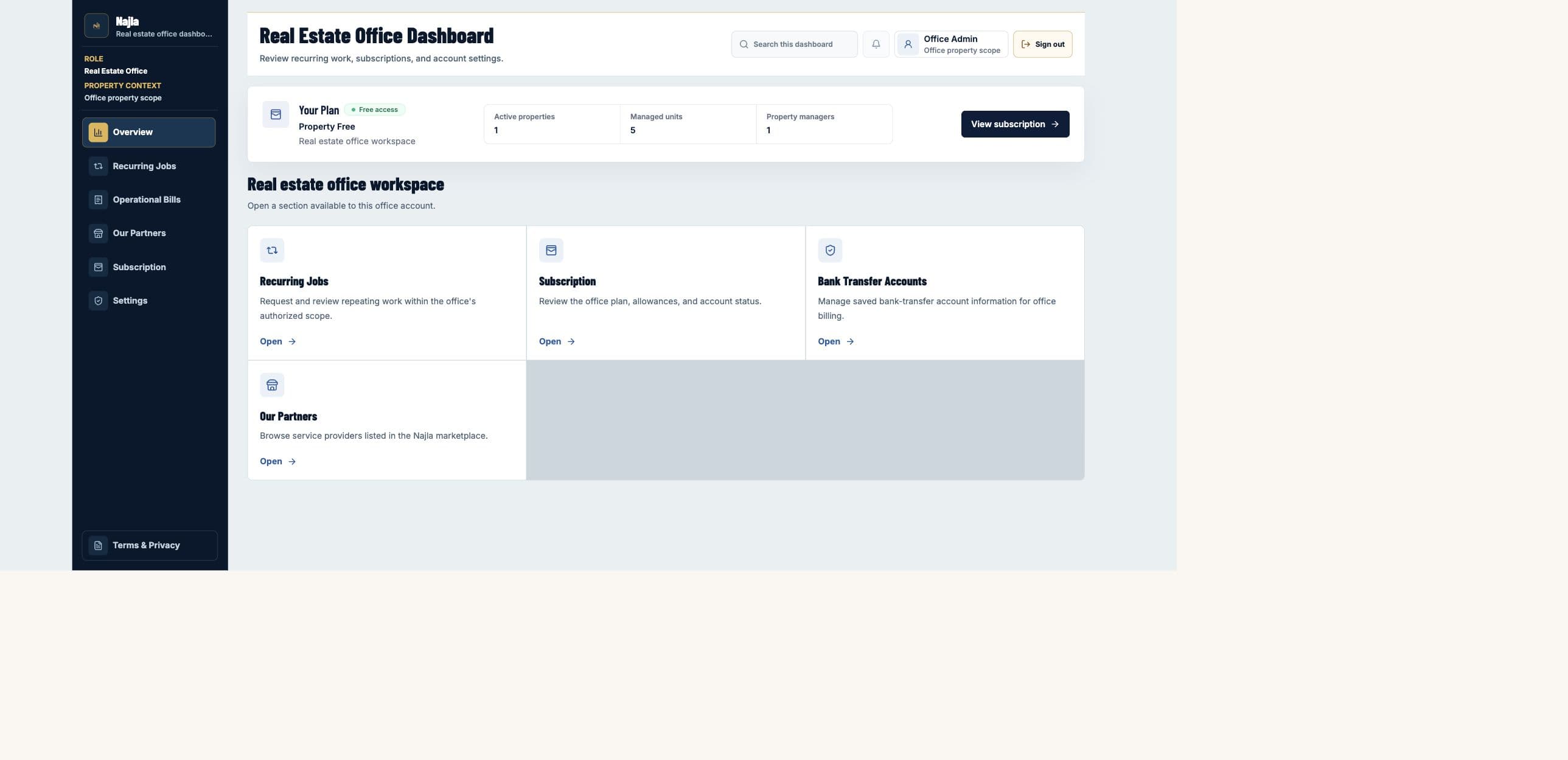
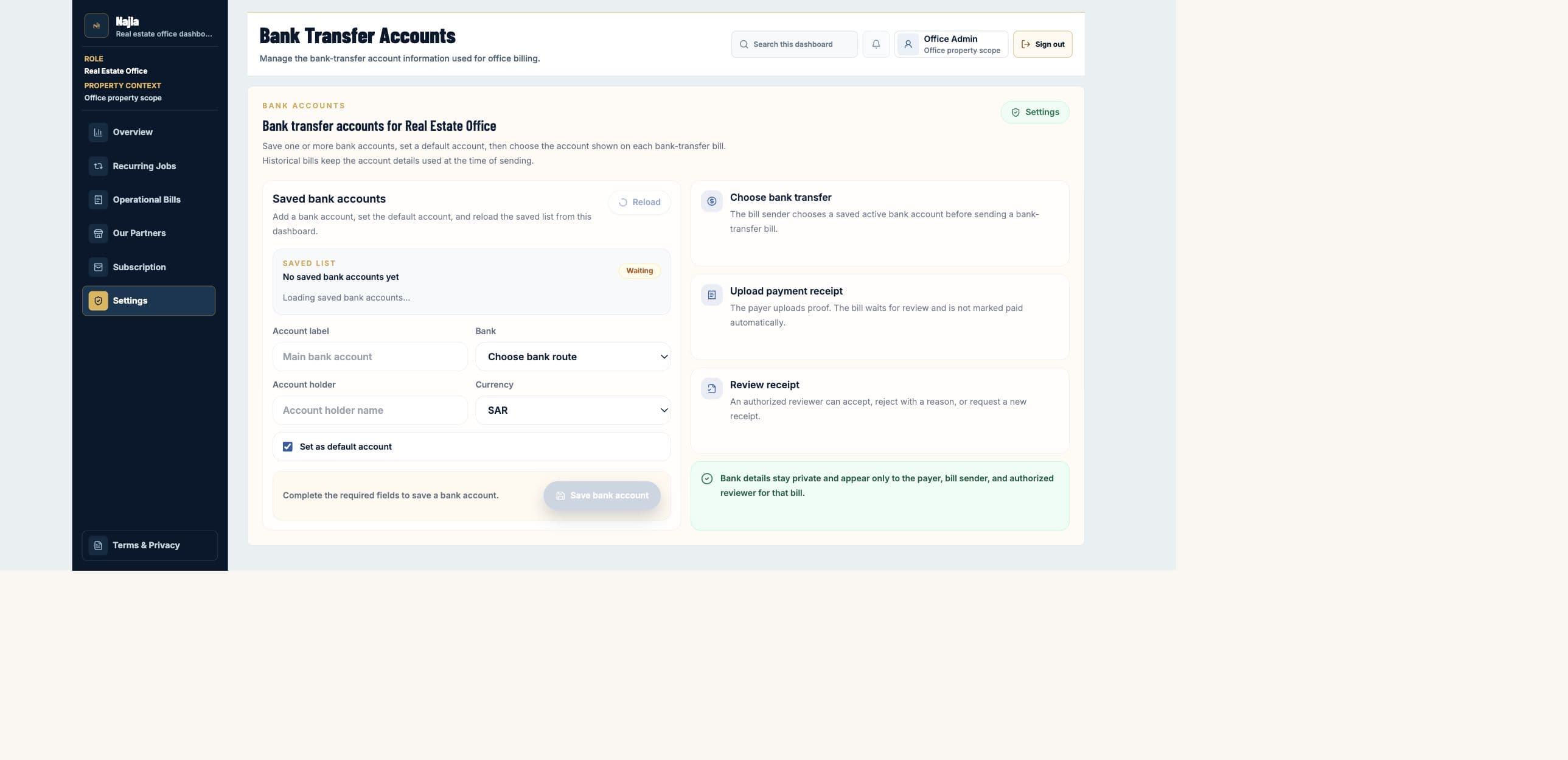
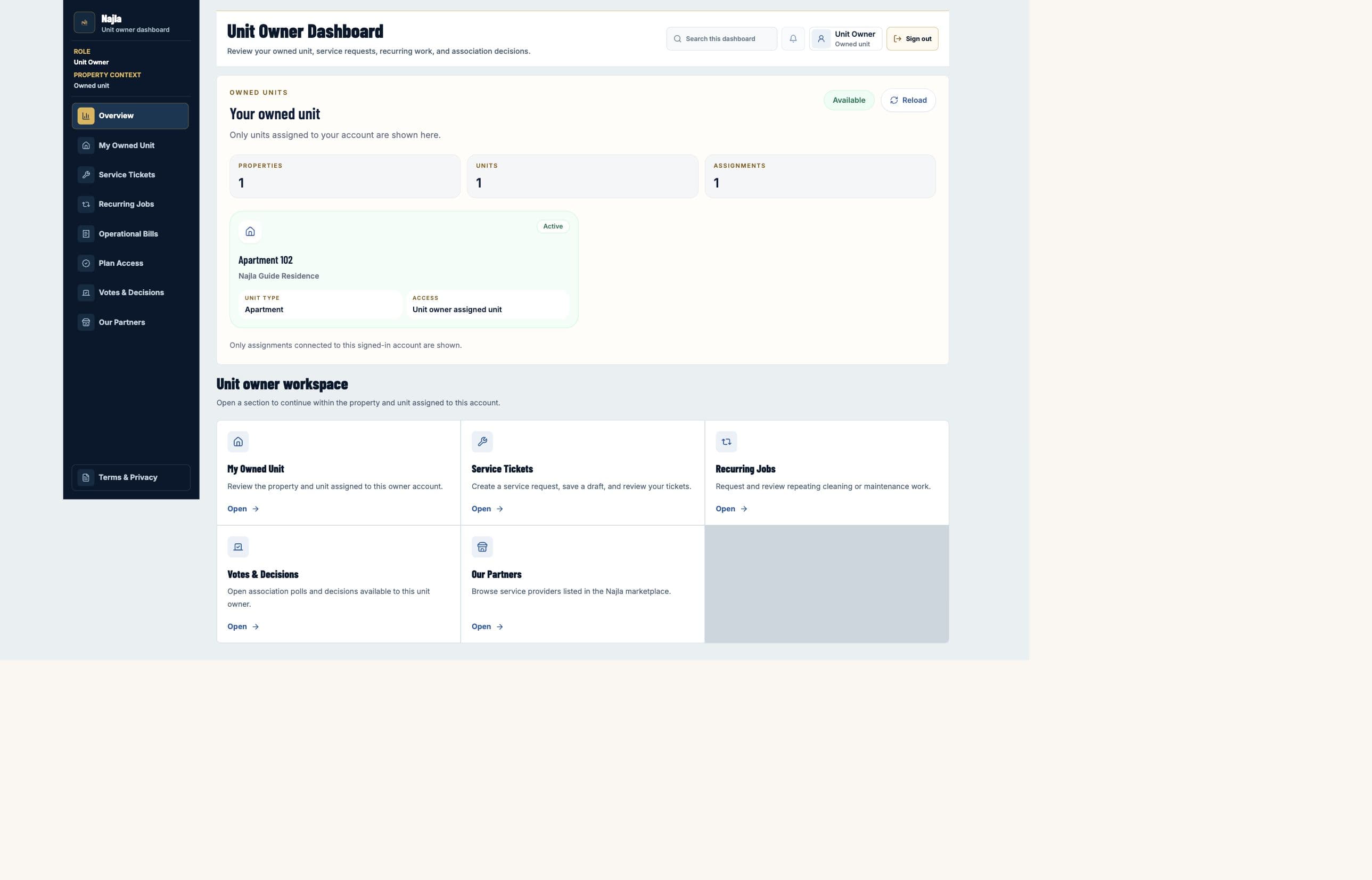
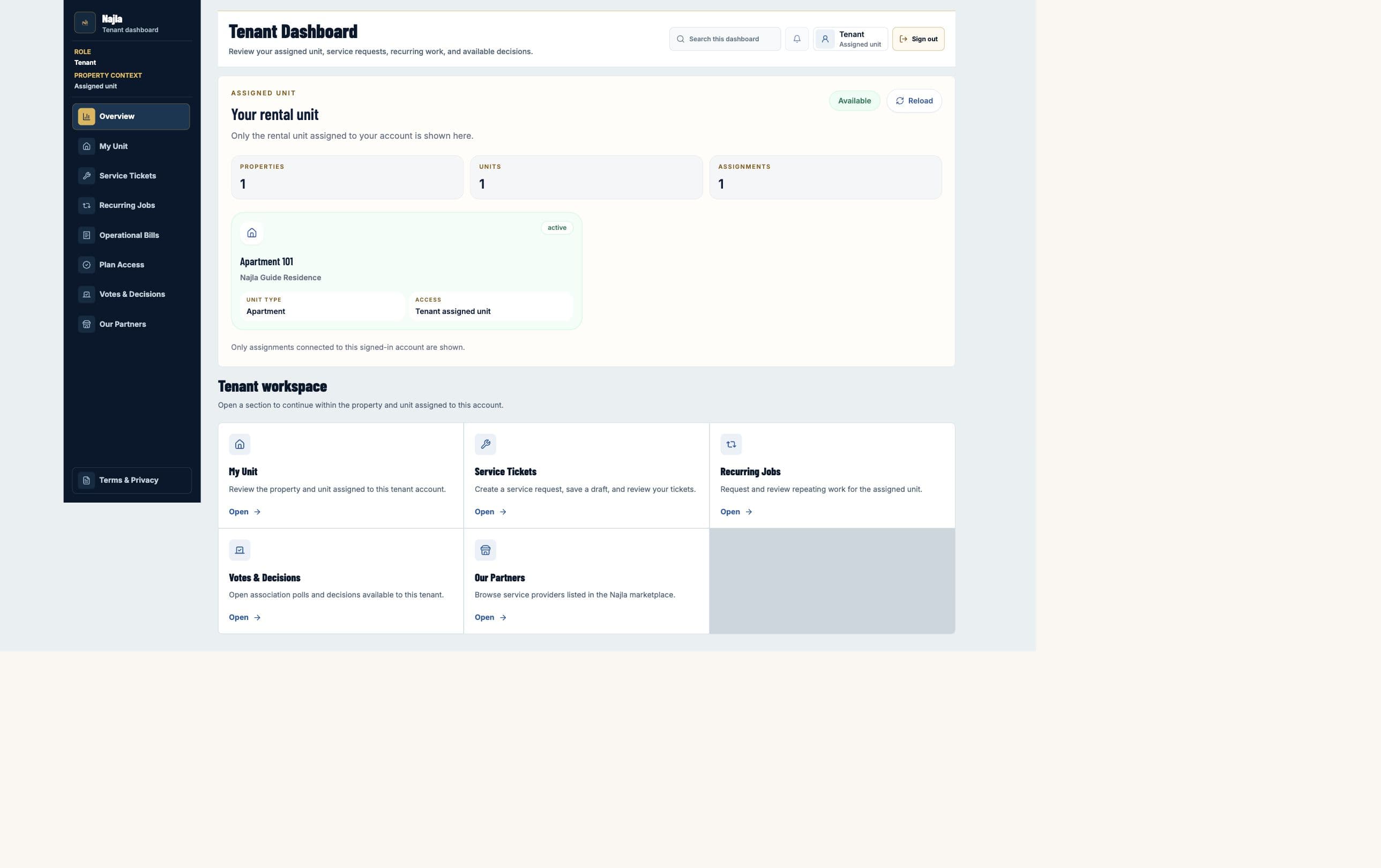
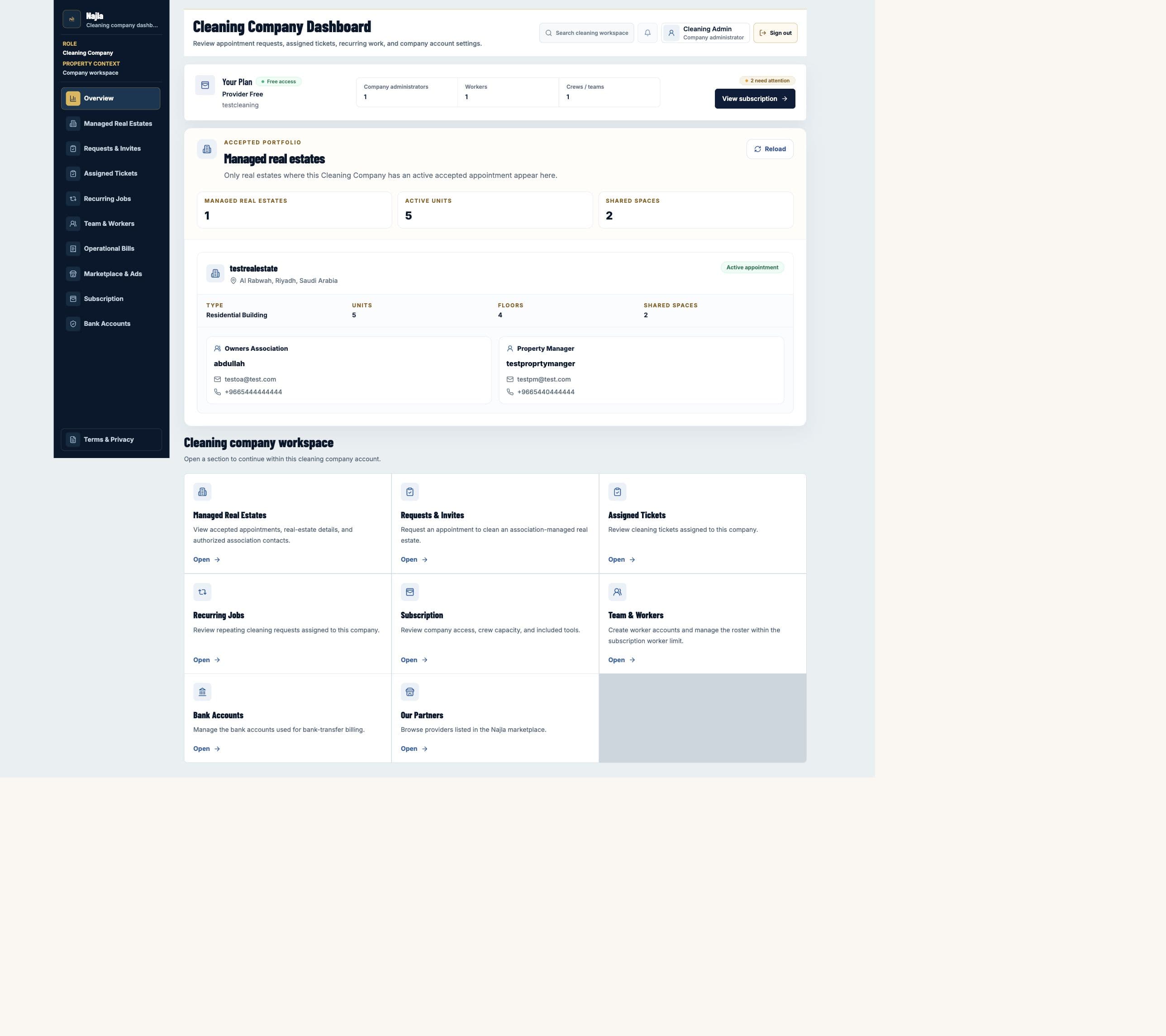
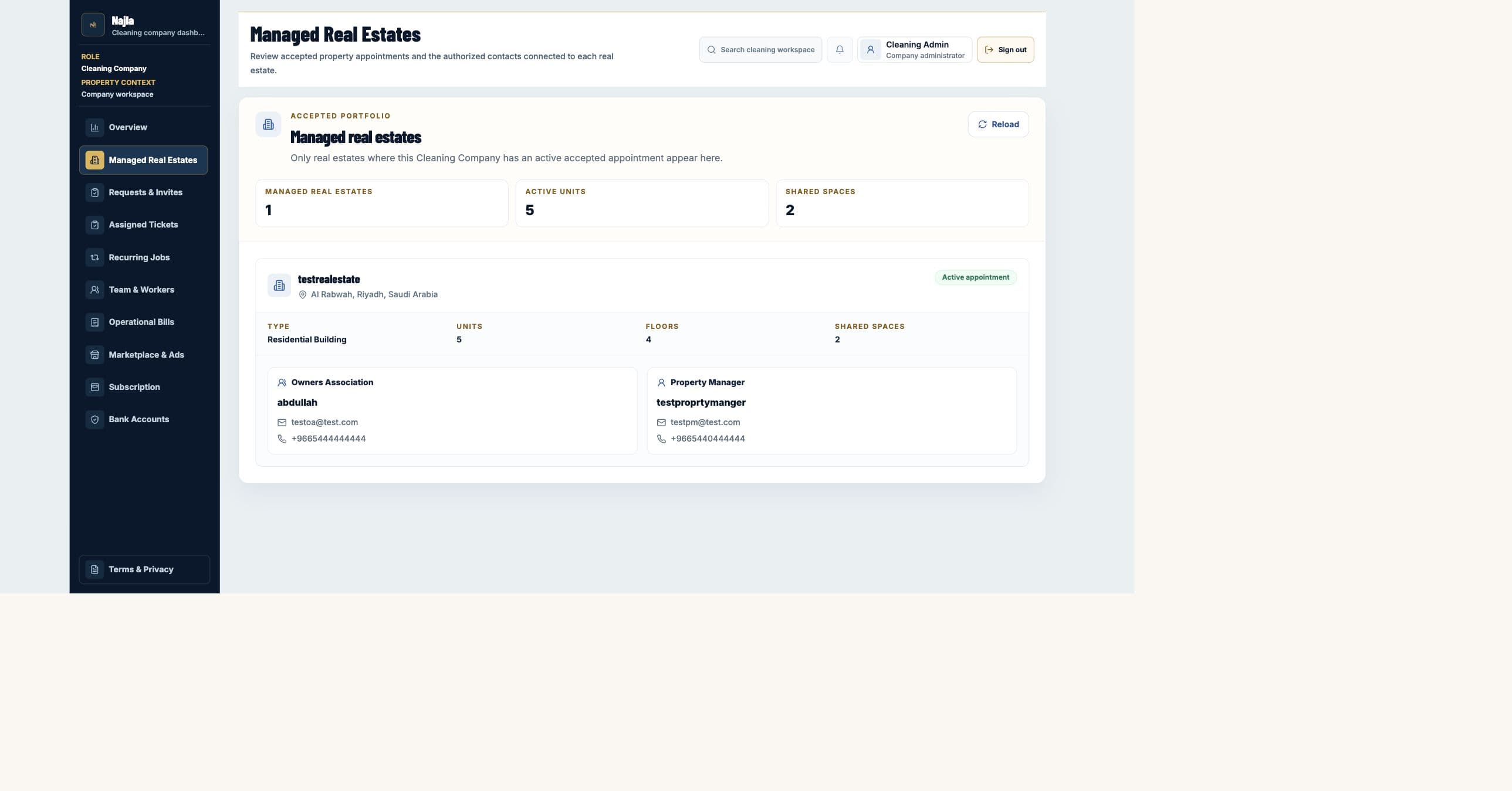
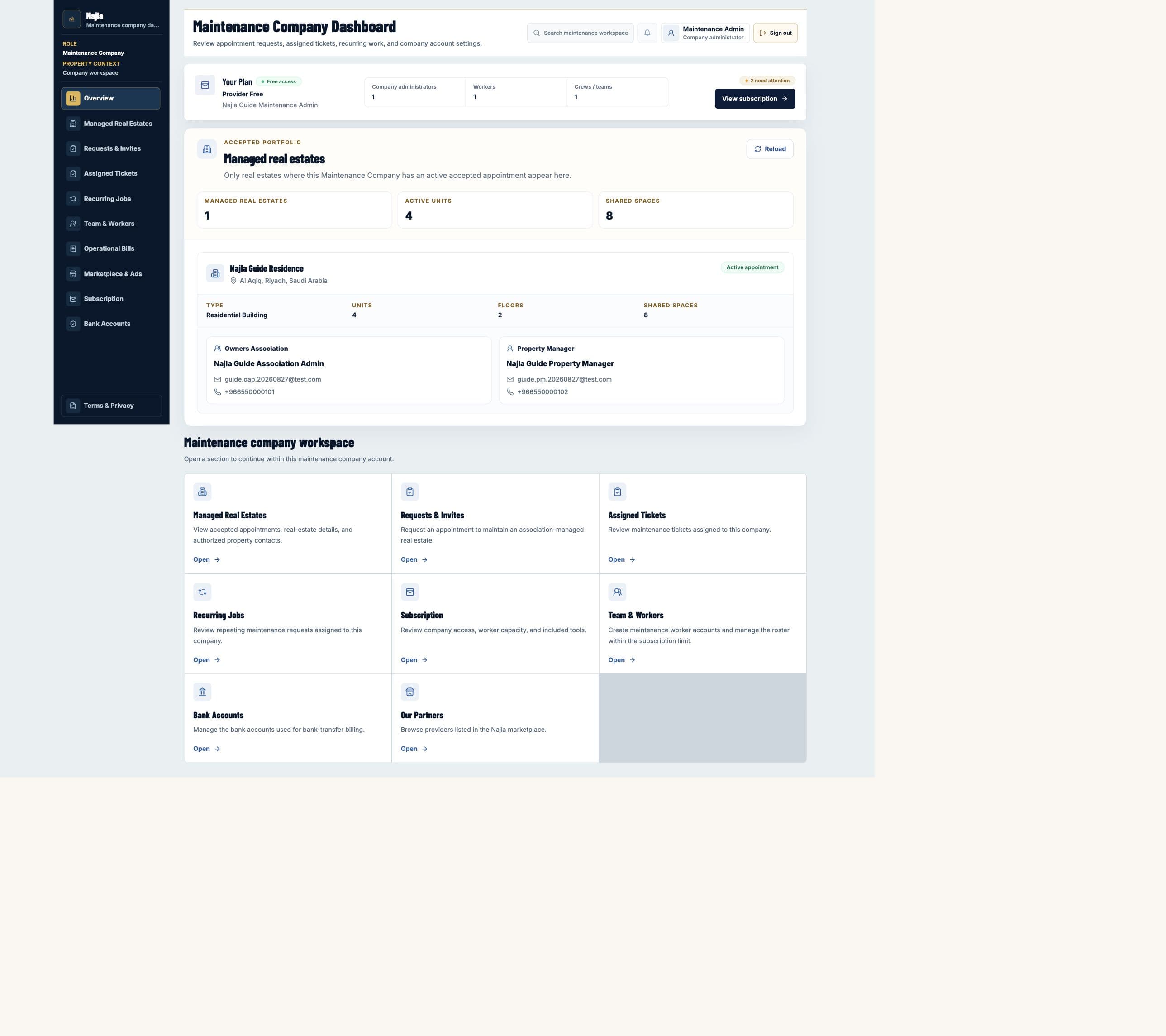
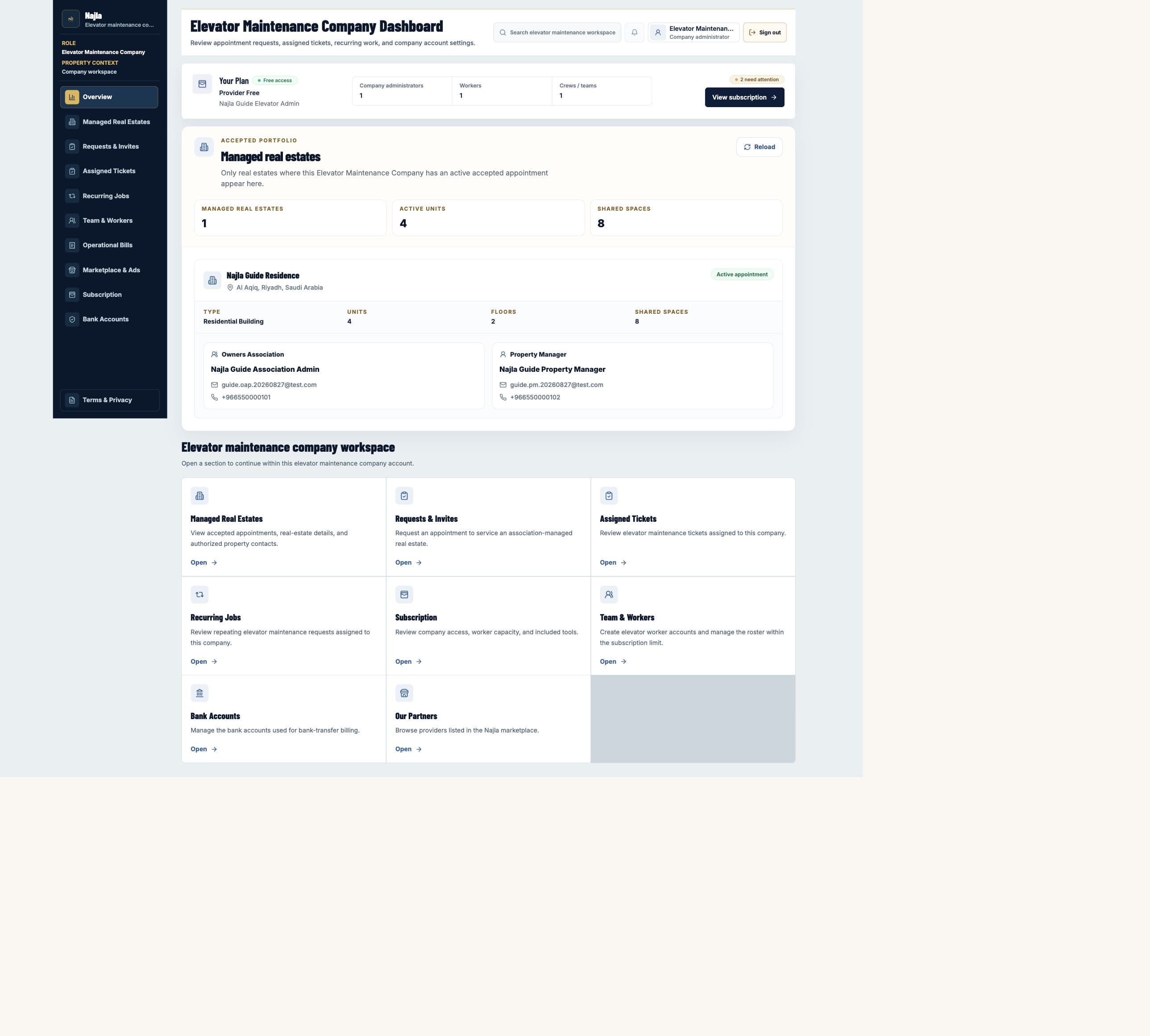
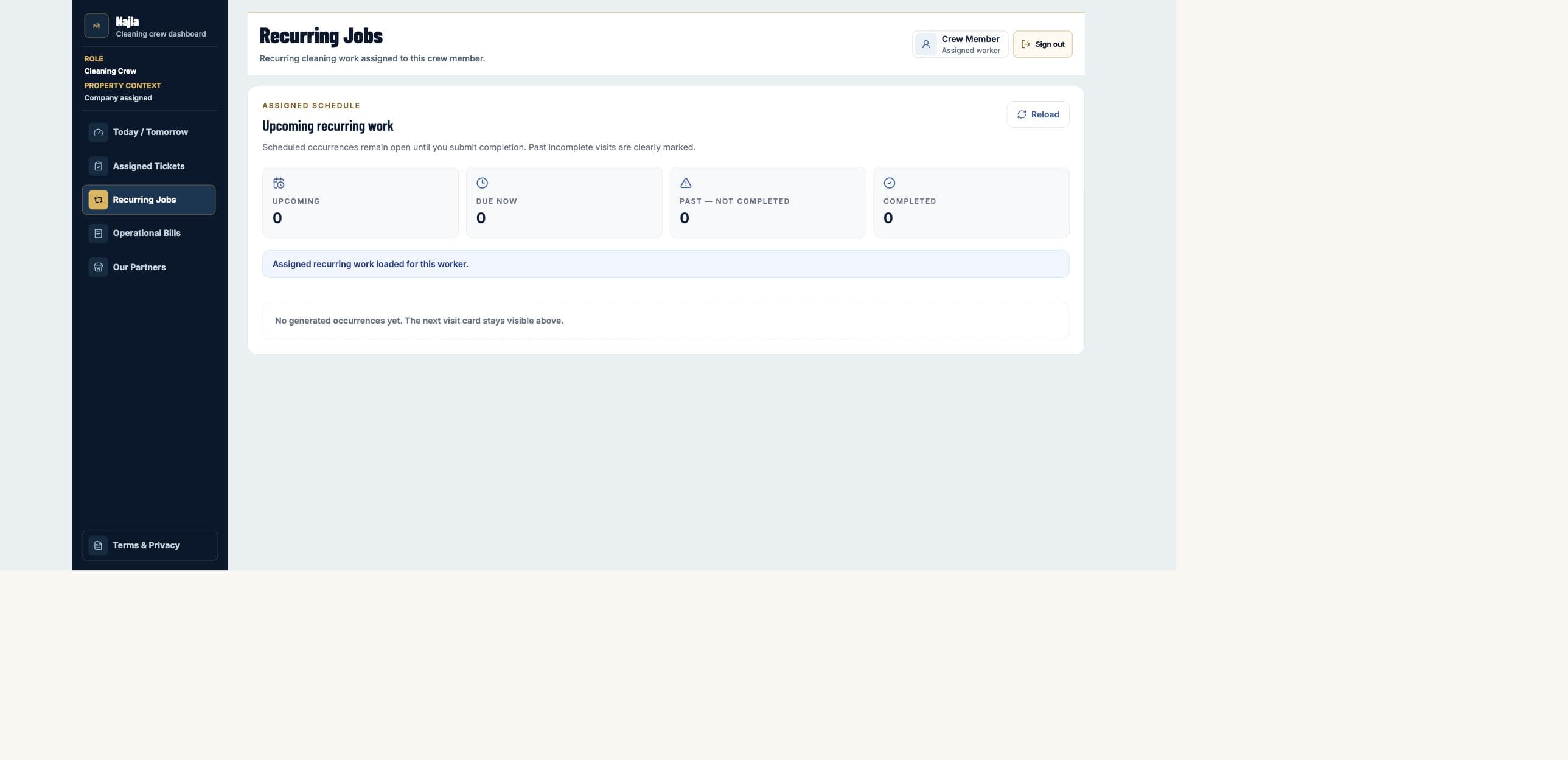
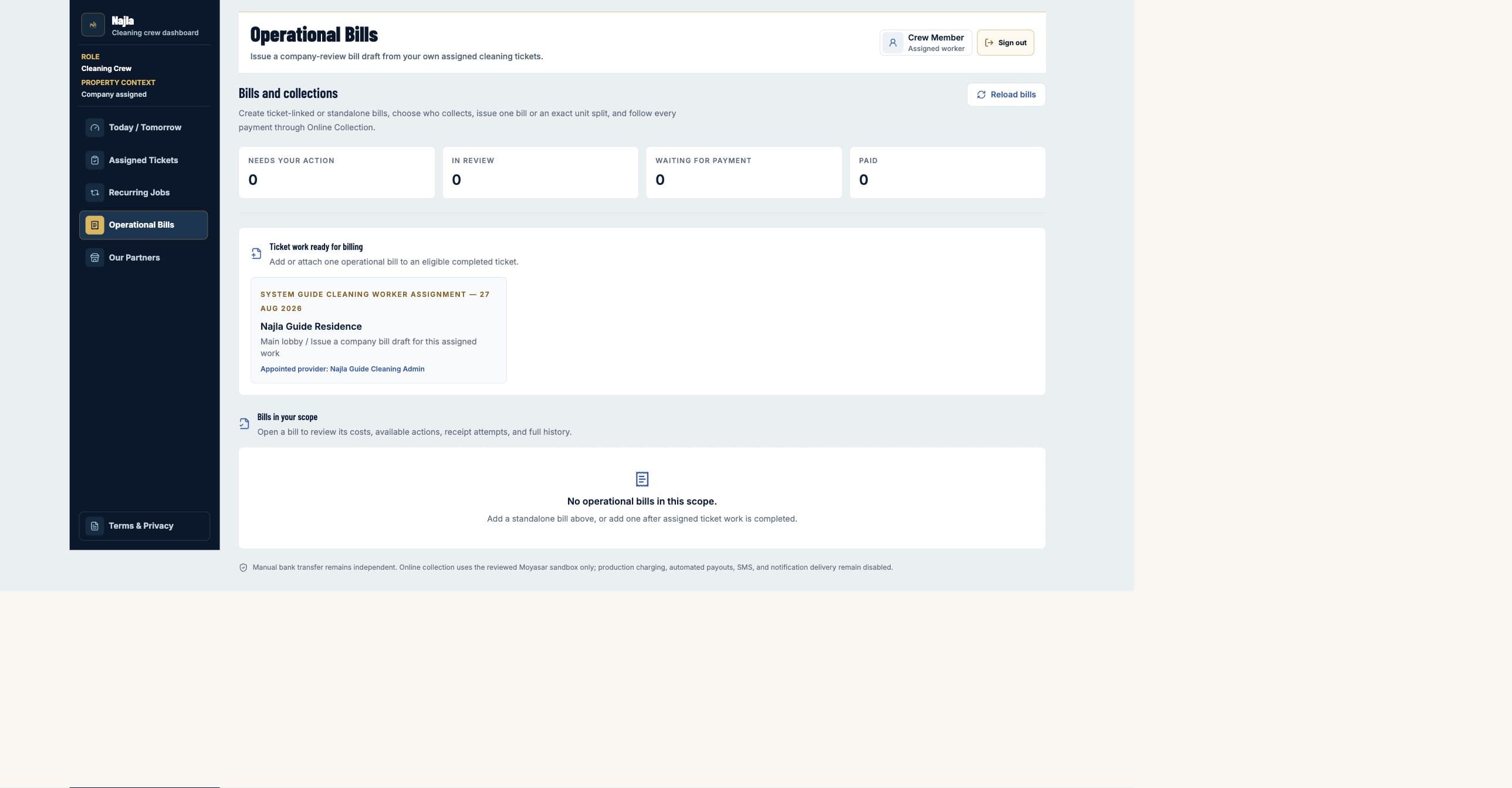
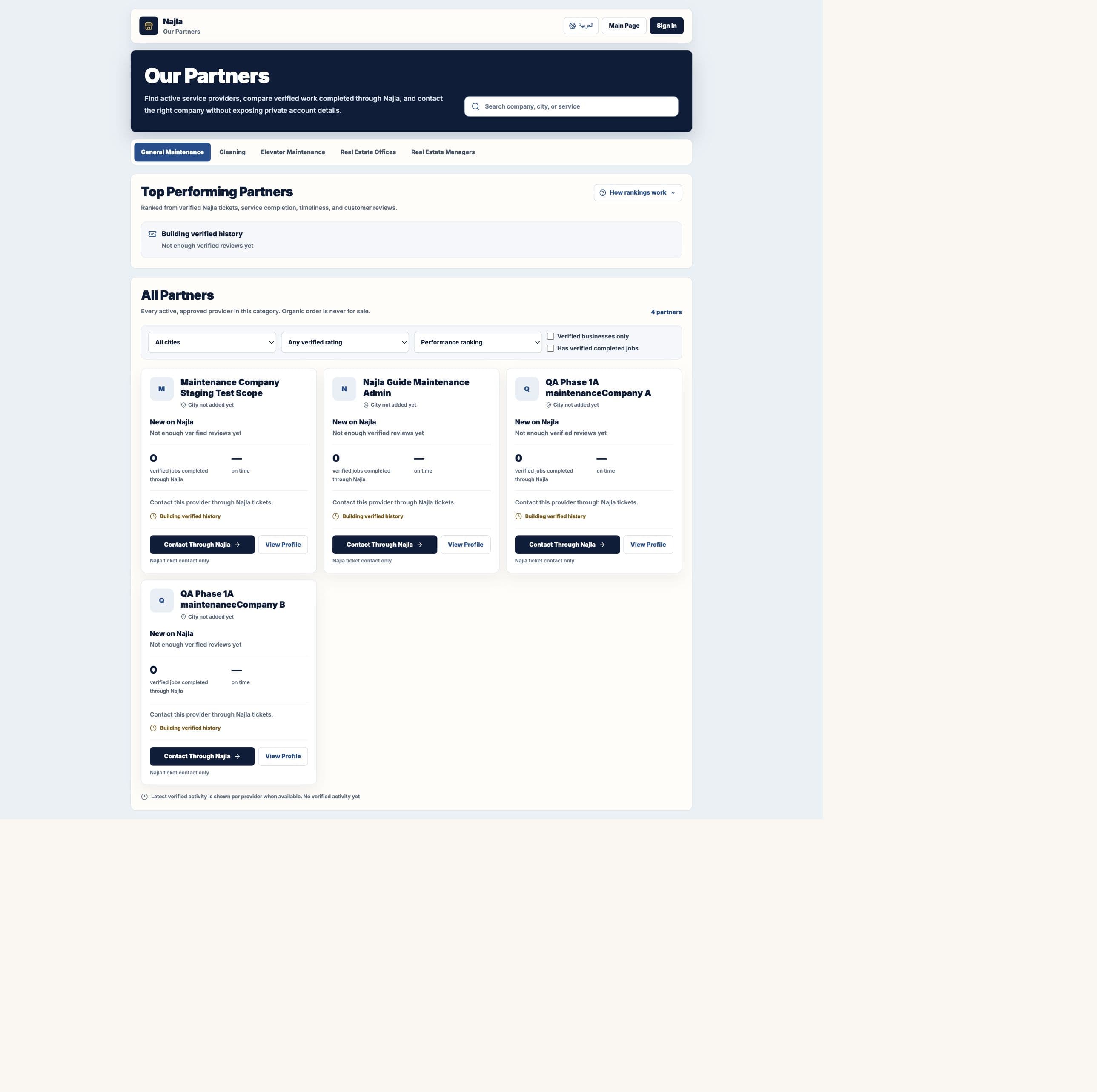
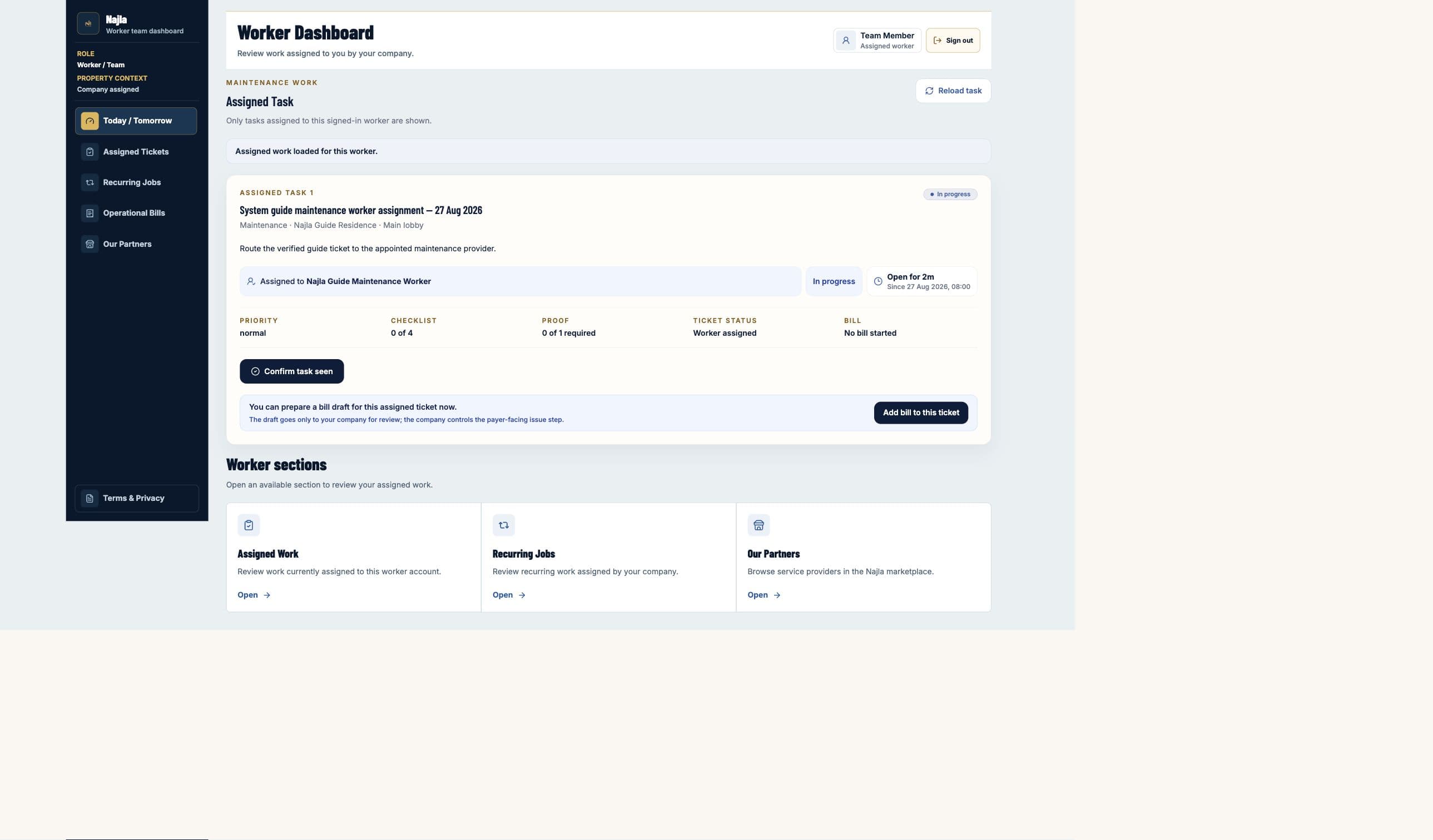
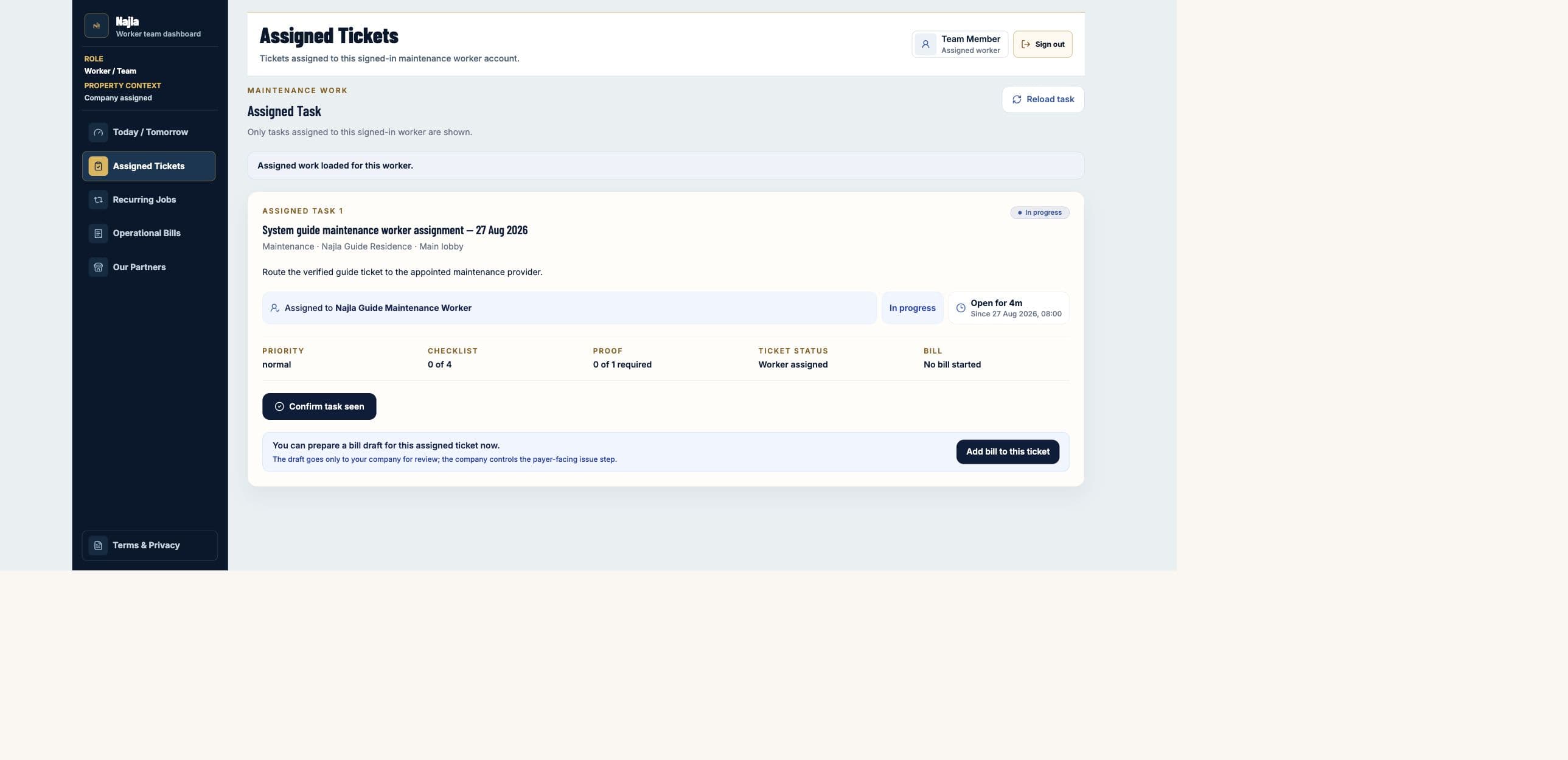
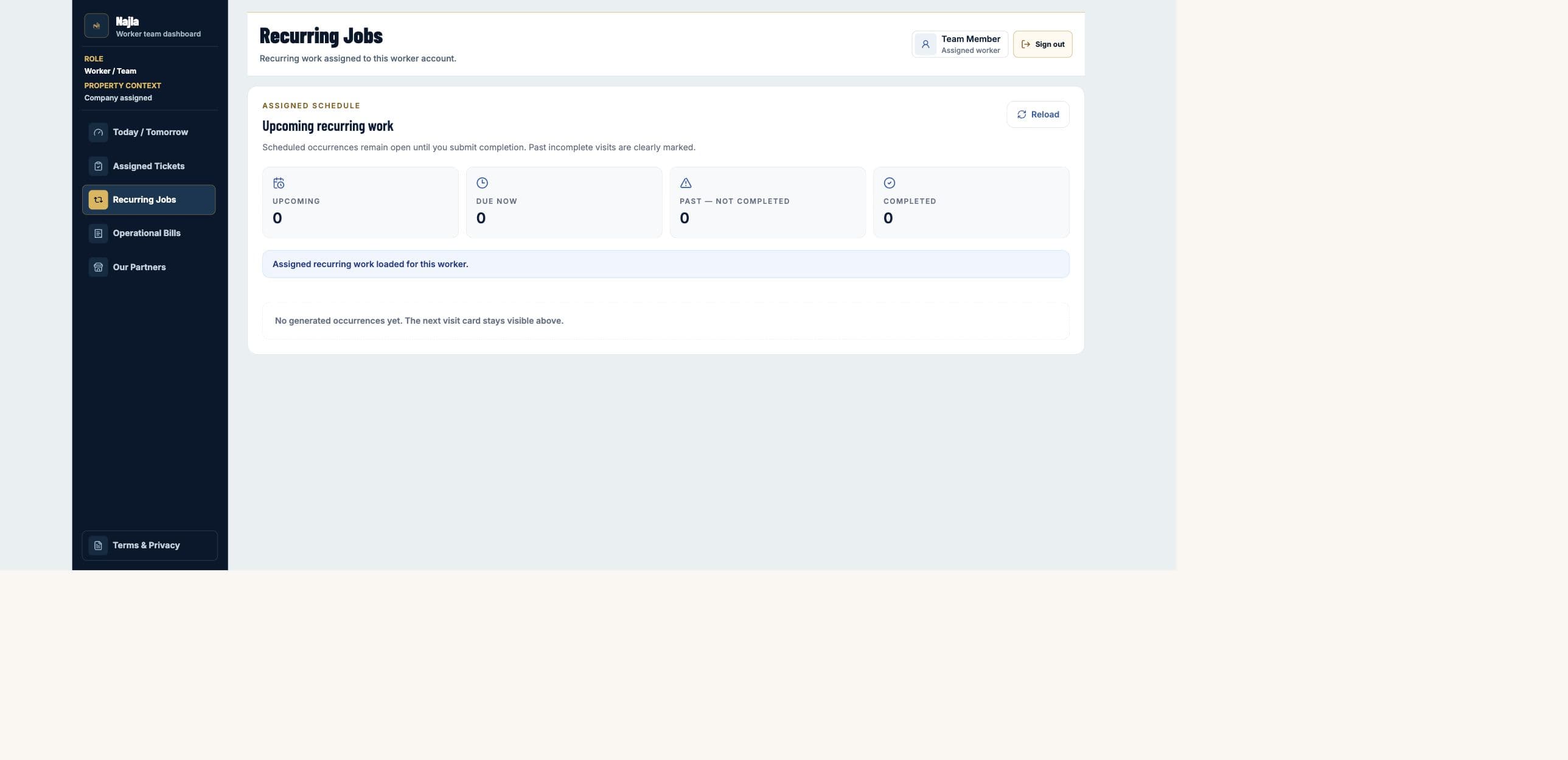
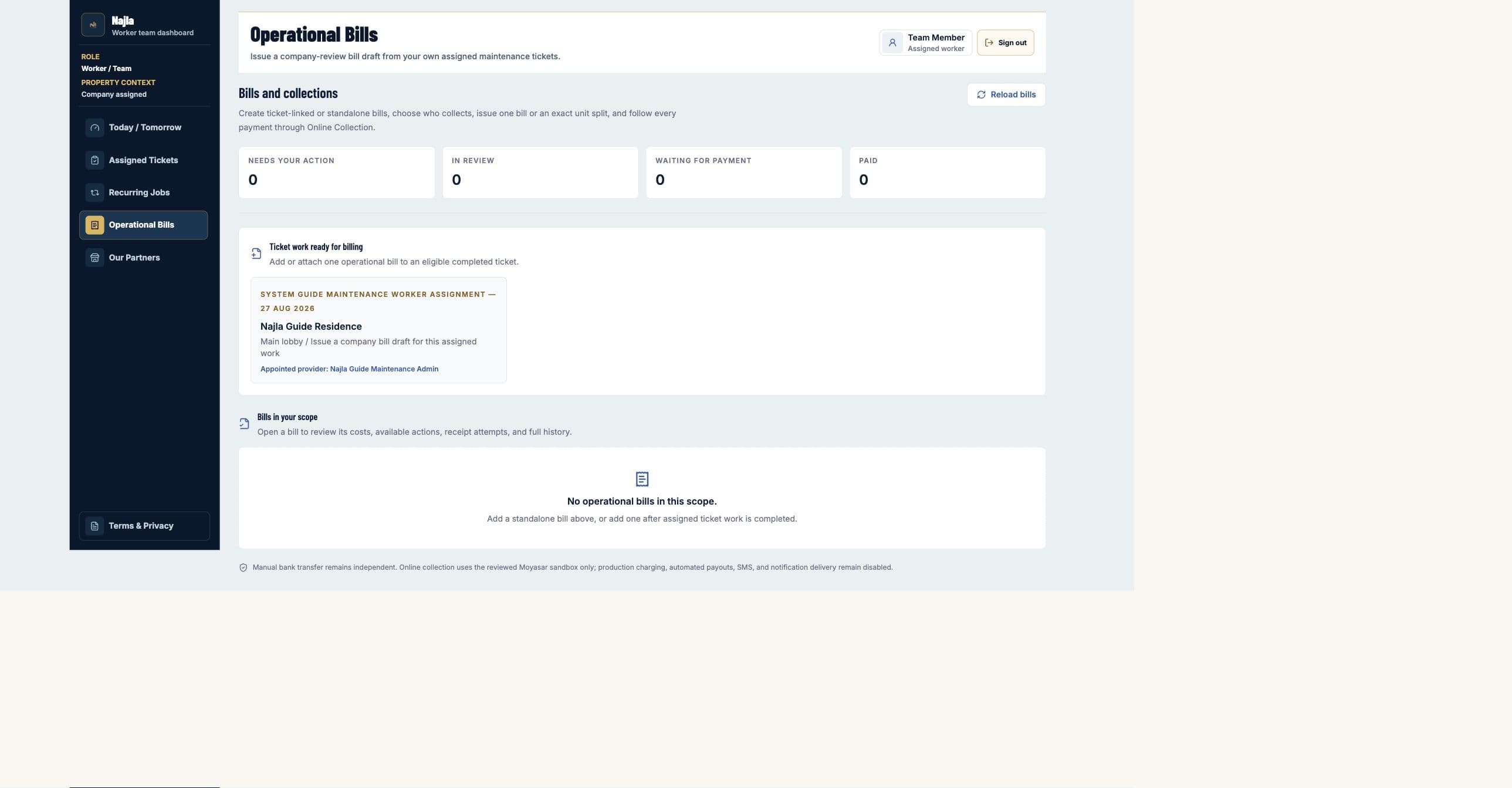
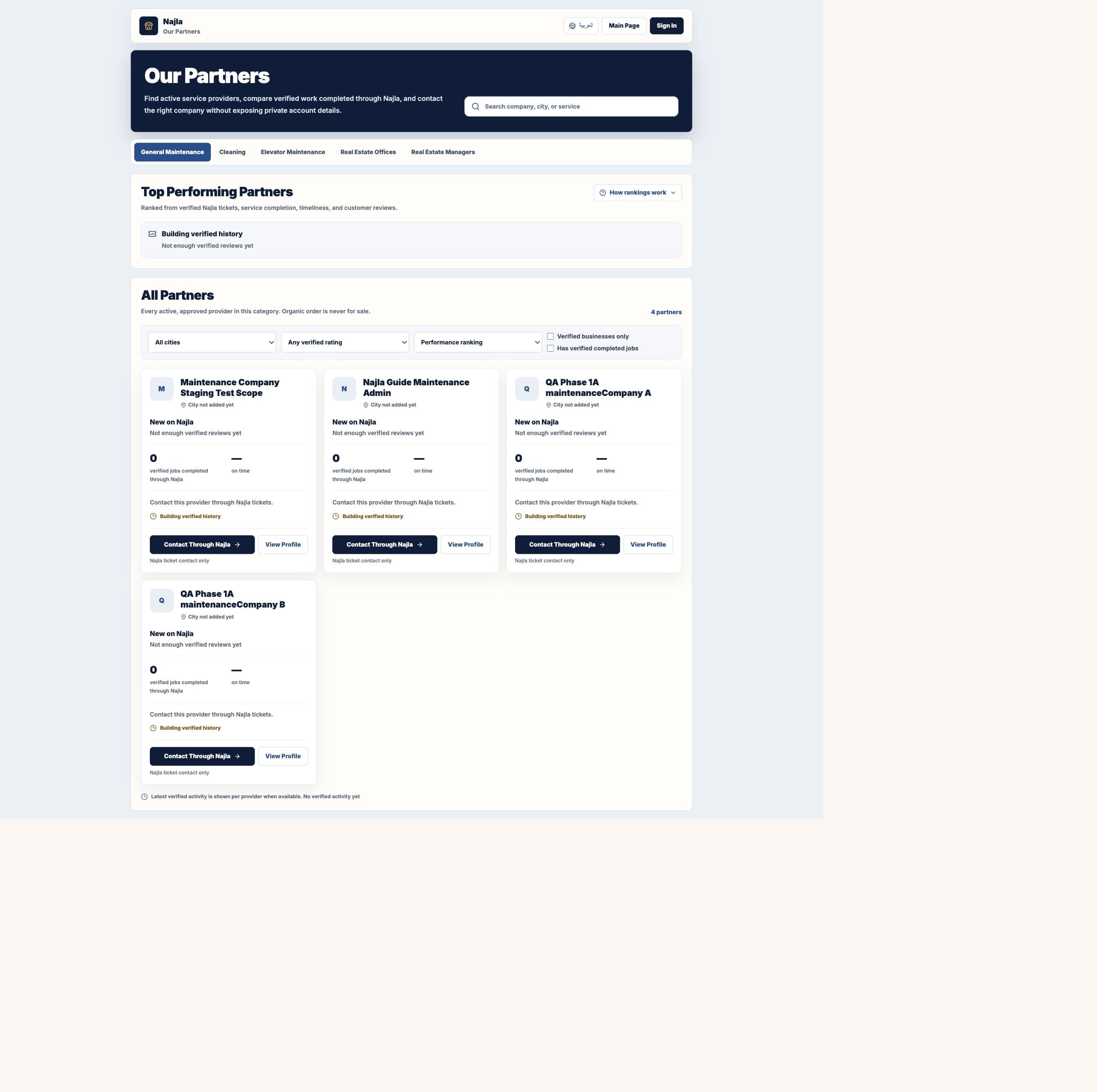
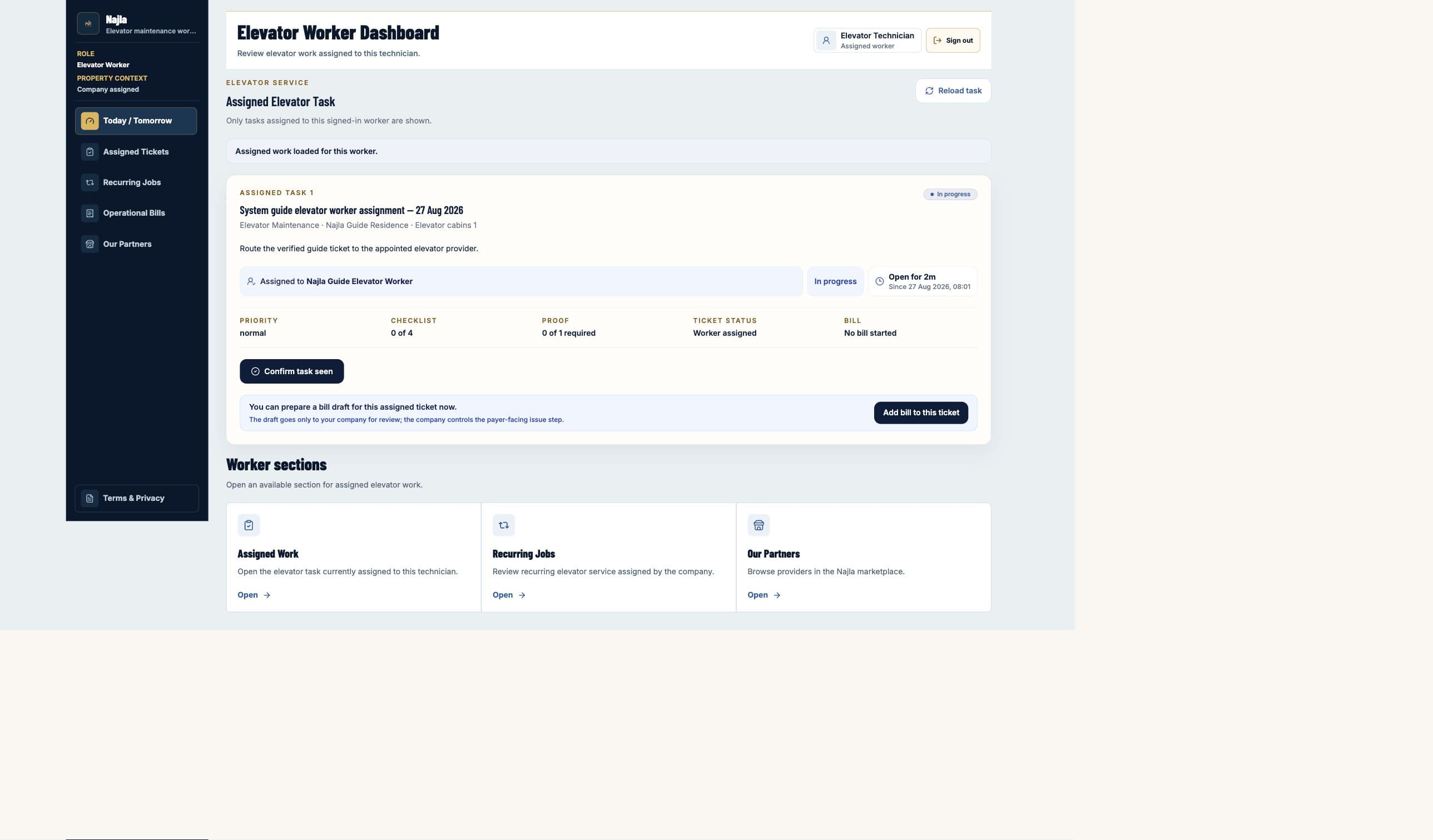
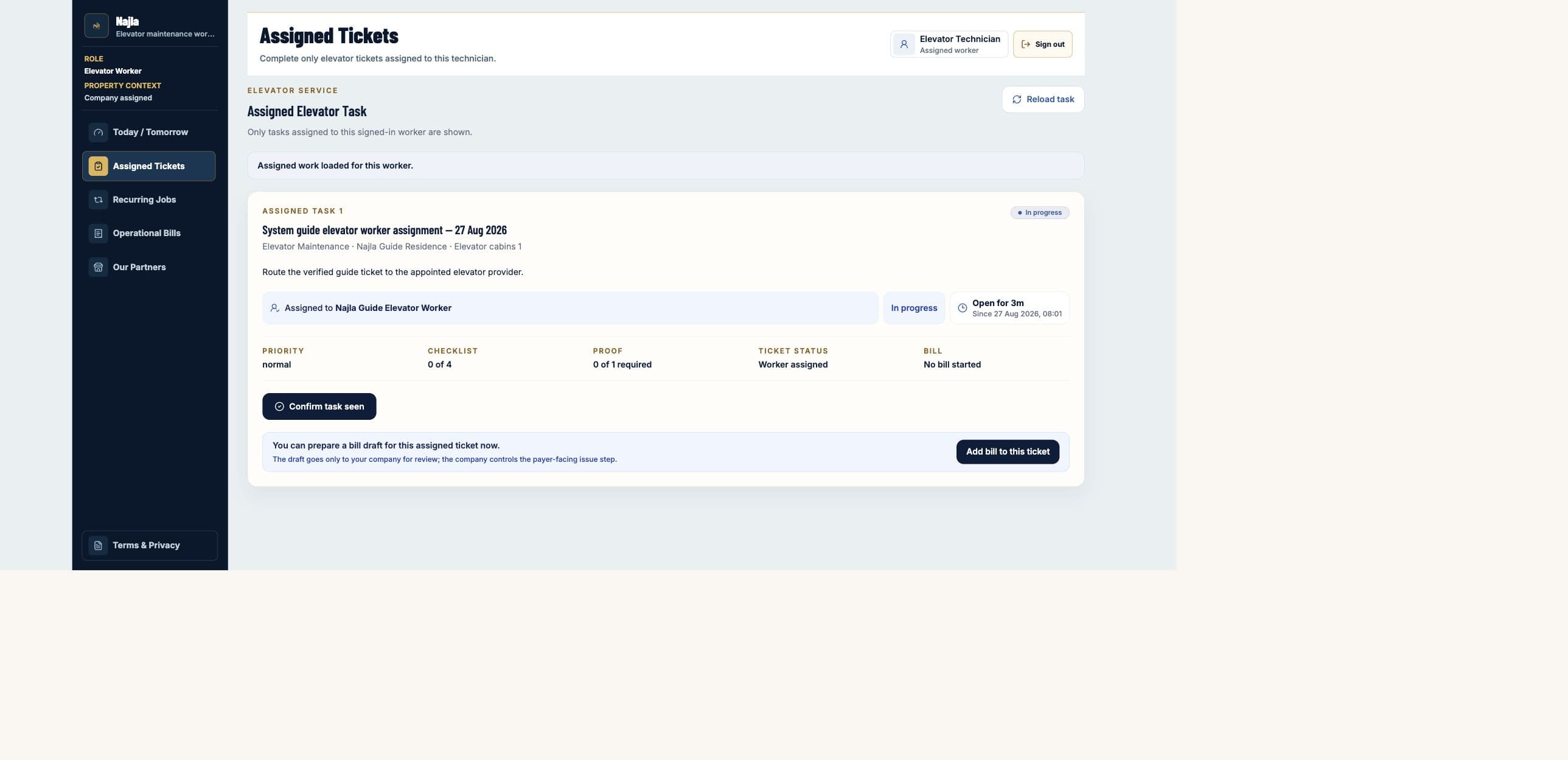
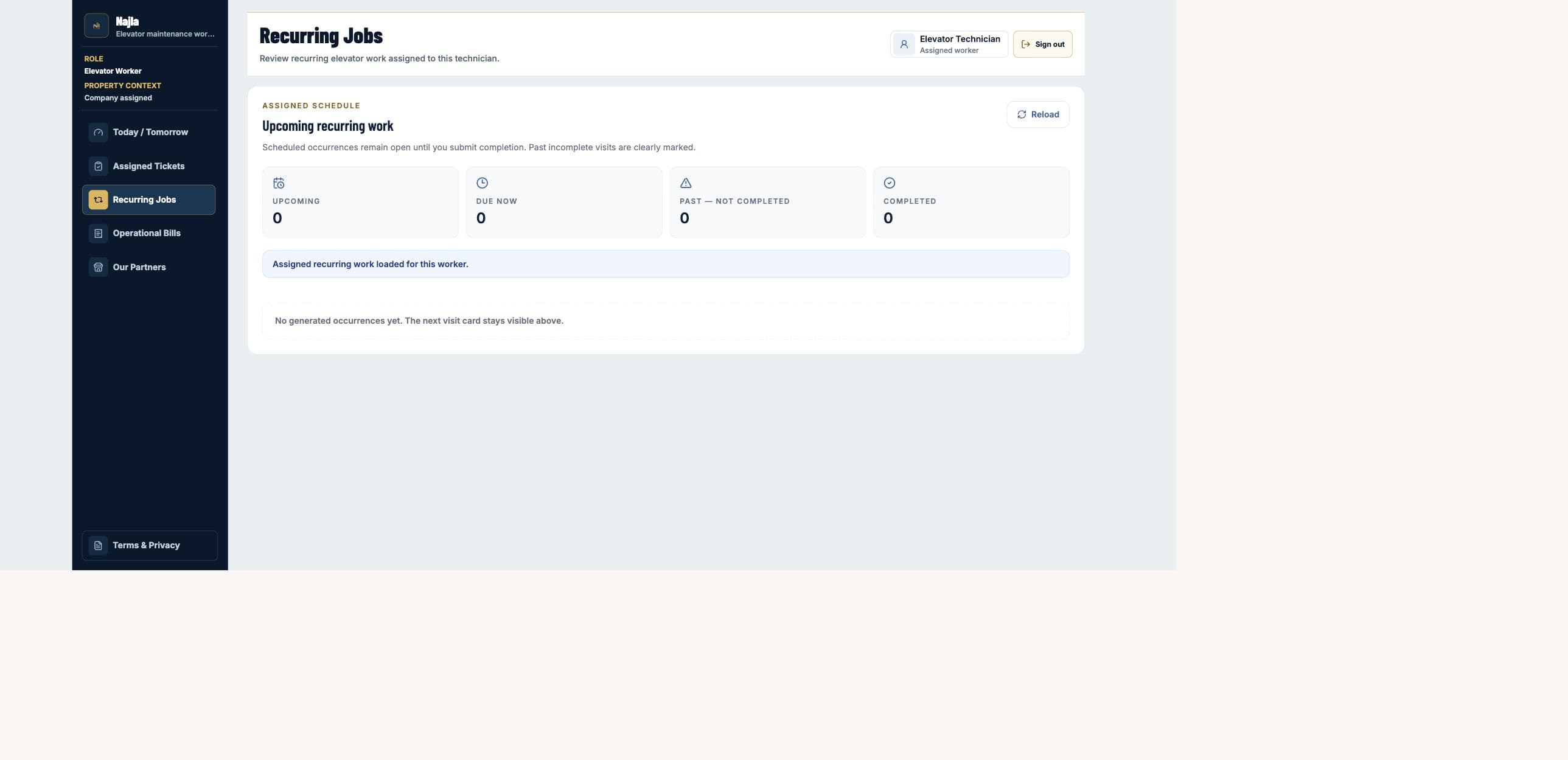
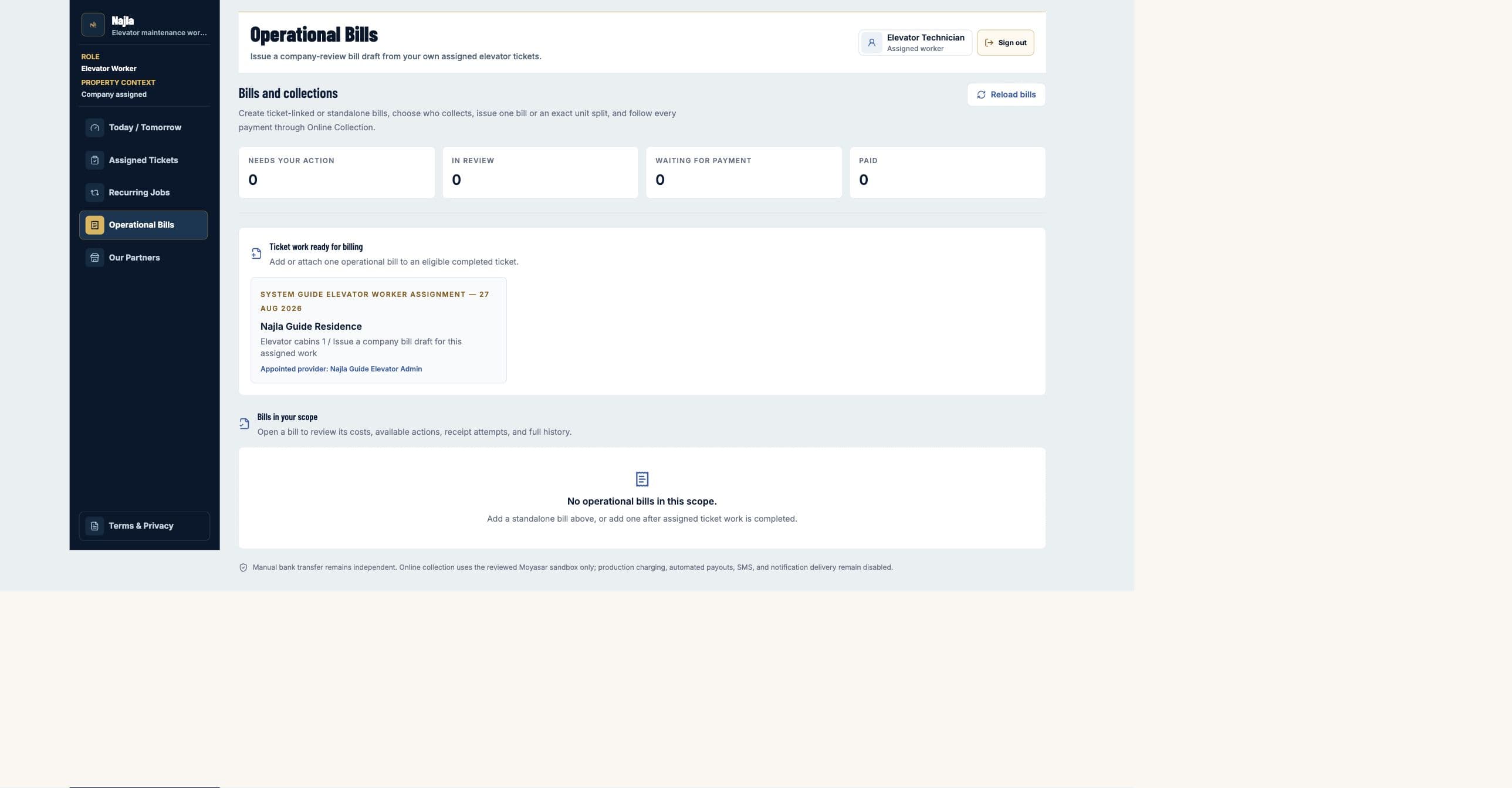
Read the live operating summary, identify work that needs attention, and use the scoped shortcuts without leaving the signed-in role.
How to use it
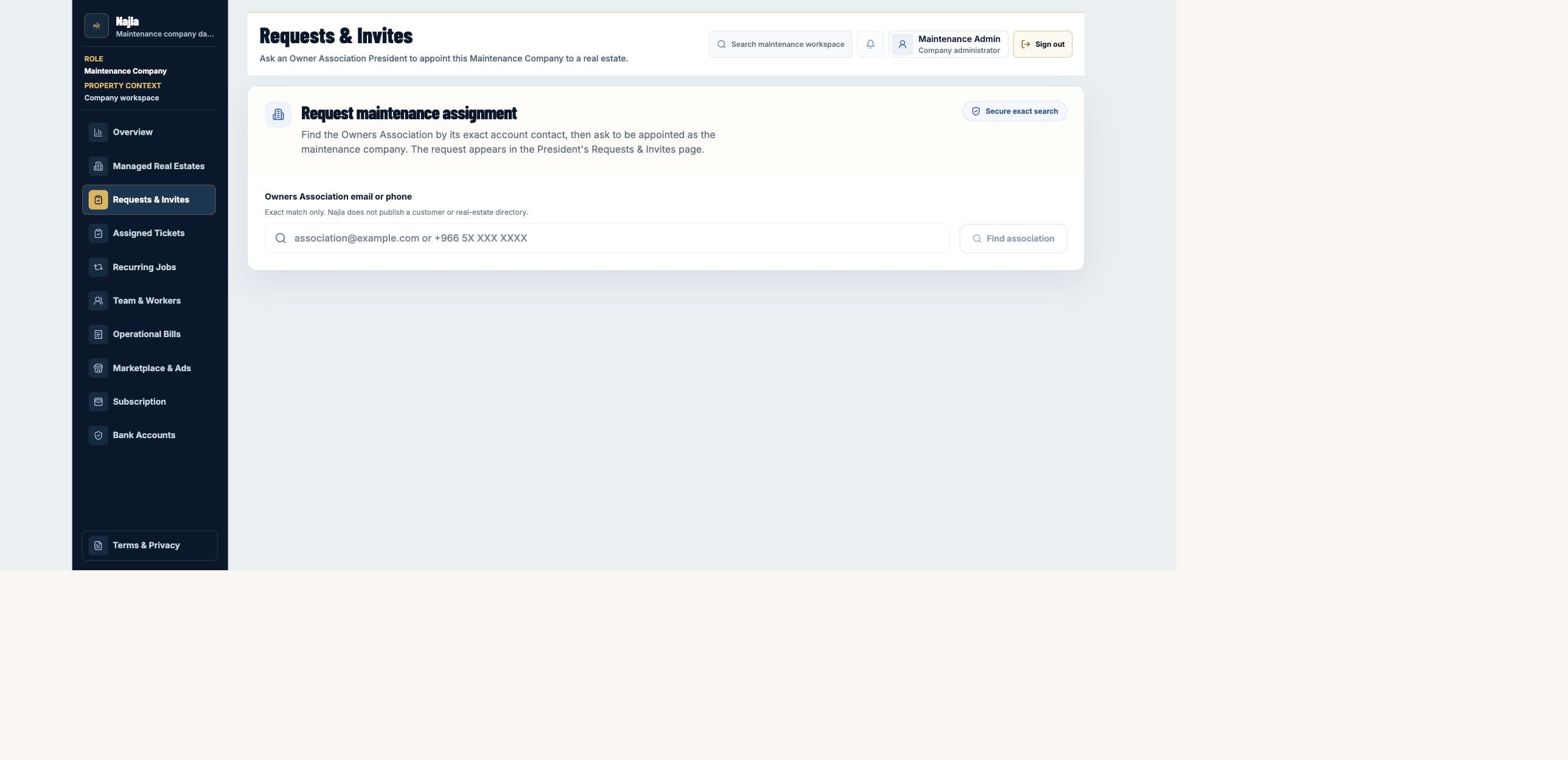
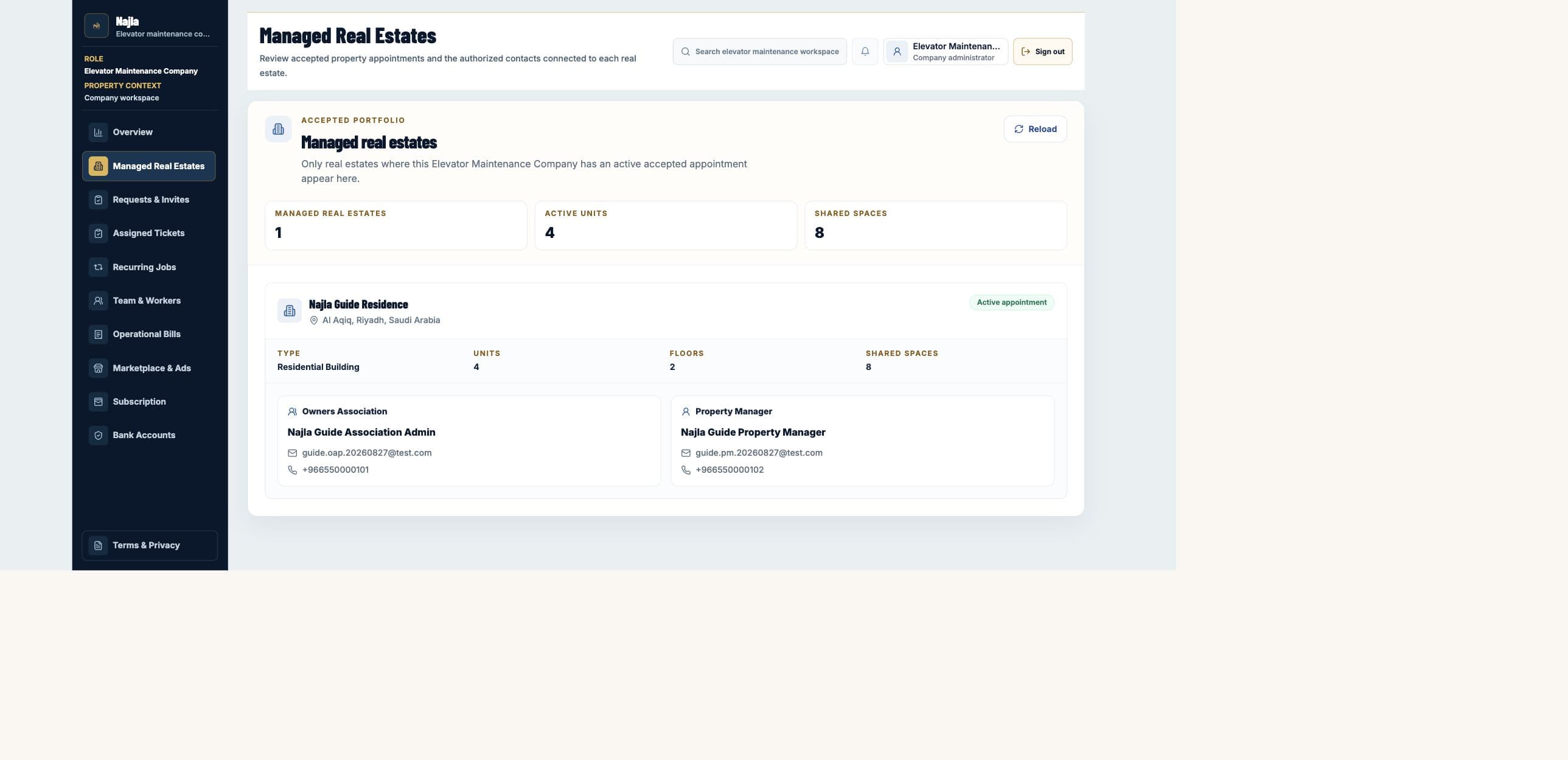
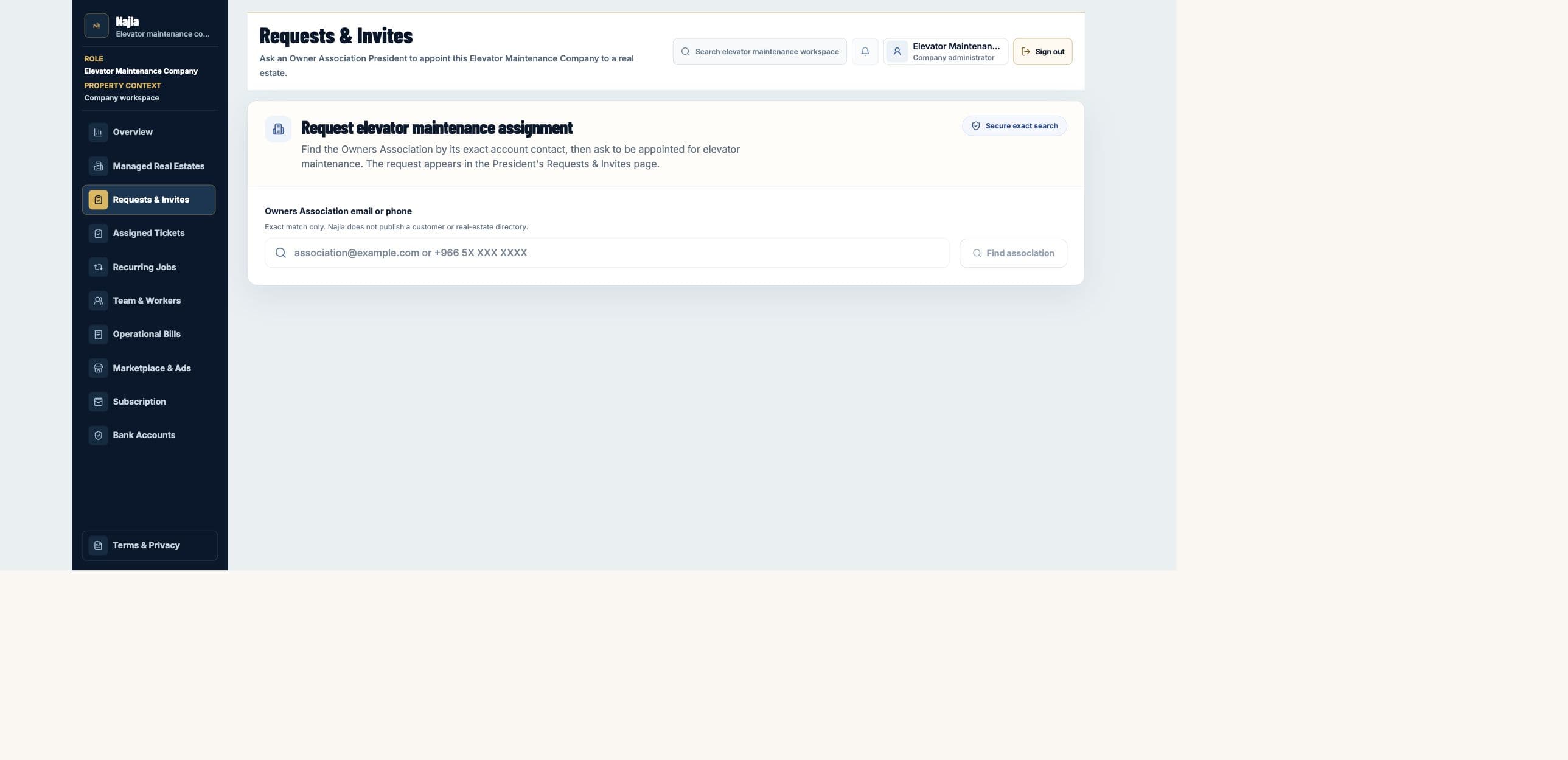
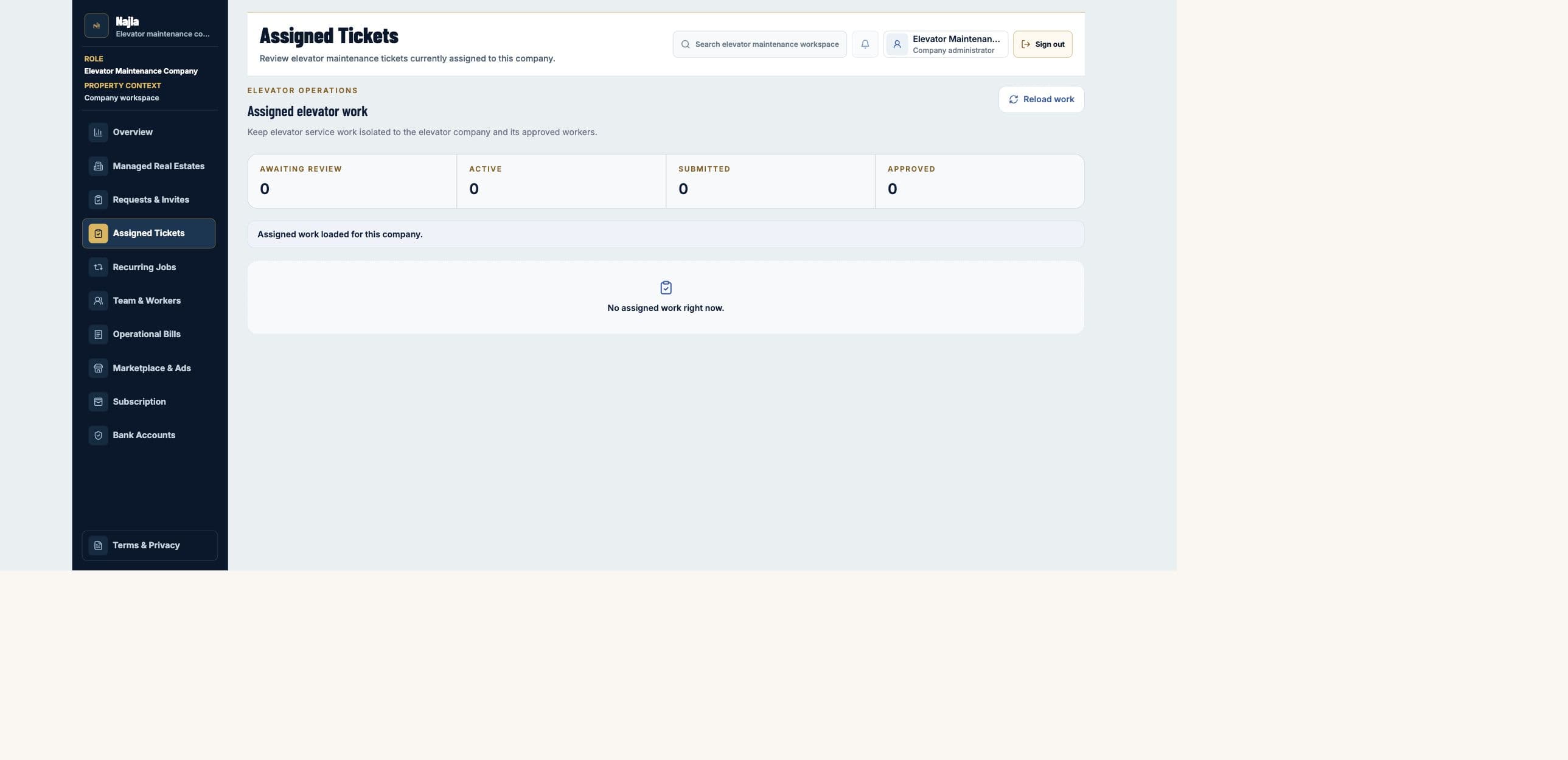
- 1Confirm the role and property or company context shown in the sidebar before acting.
- 2Read the attention cards first; they surface approvals, work, invitations, and collection items that need a decision.
- 3Review the live totals, then open the linked workbench instead of treating a summary card as the source record.
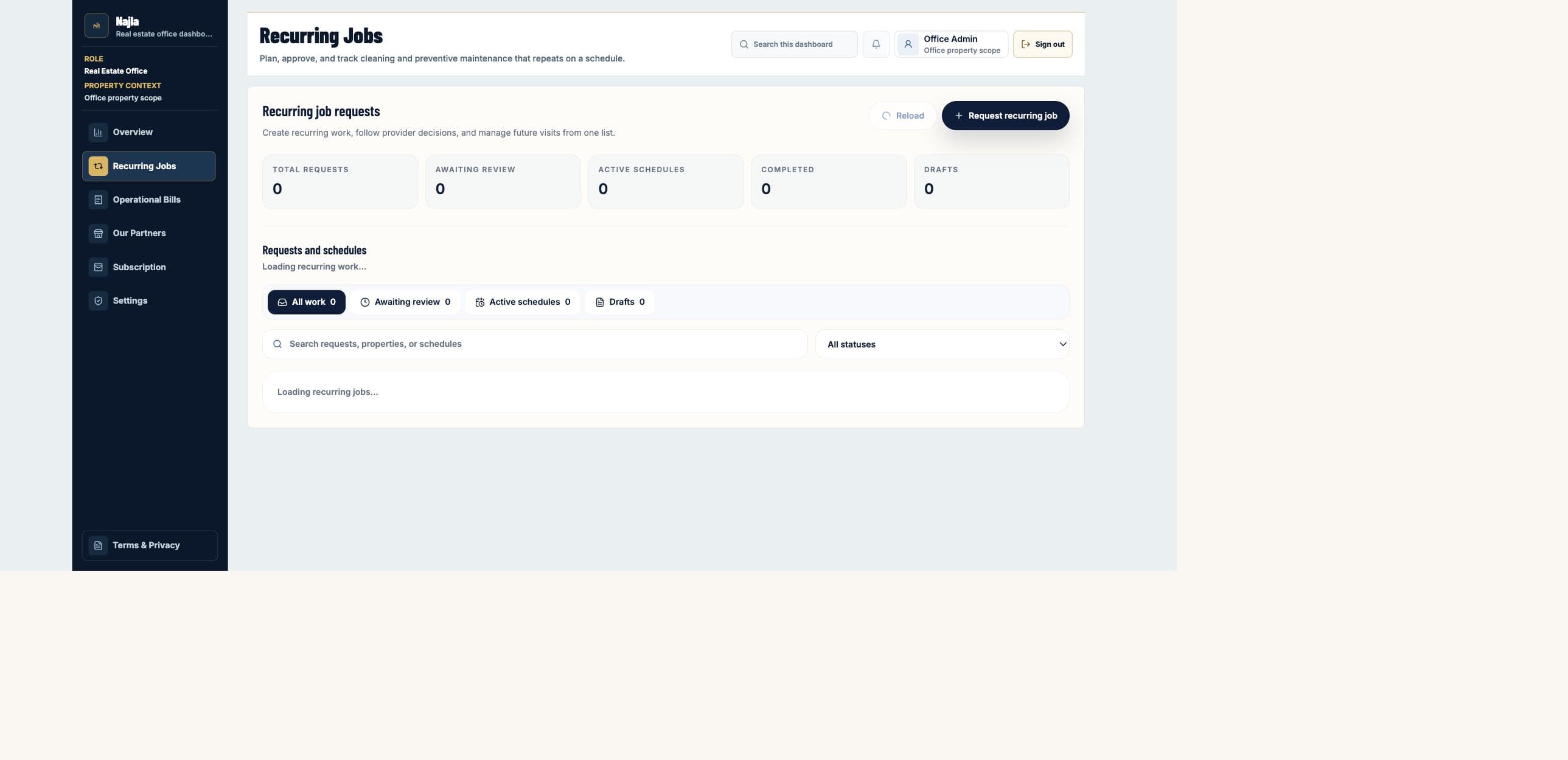
- 4Use Refresh or Reload after another authorized role completes an approval or assignment.
Rules to remember
- Overview totals are limited to the active signed-in scope.
- A summary does not replace the ticket, bill, schedule, property, or invitation activity history.
- Website Owner health controls are intentionally absent from customer dashboards and from this guide.